
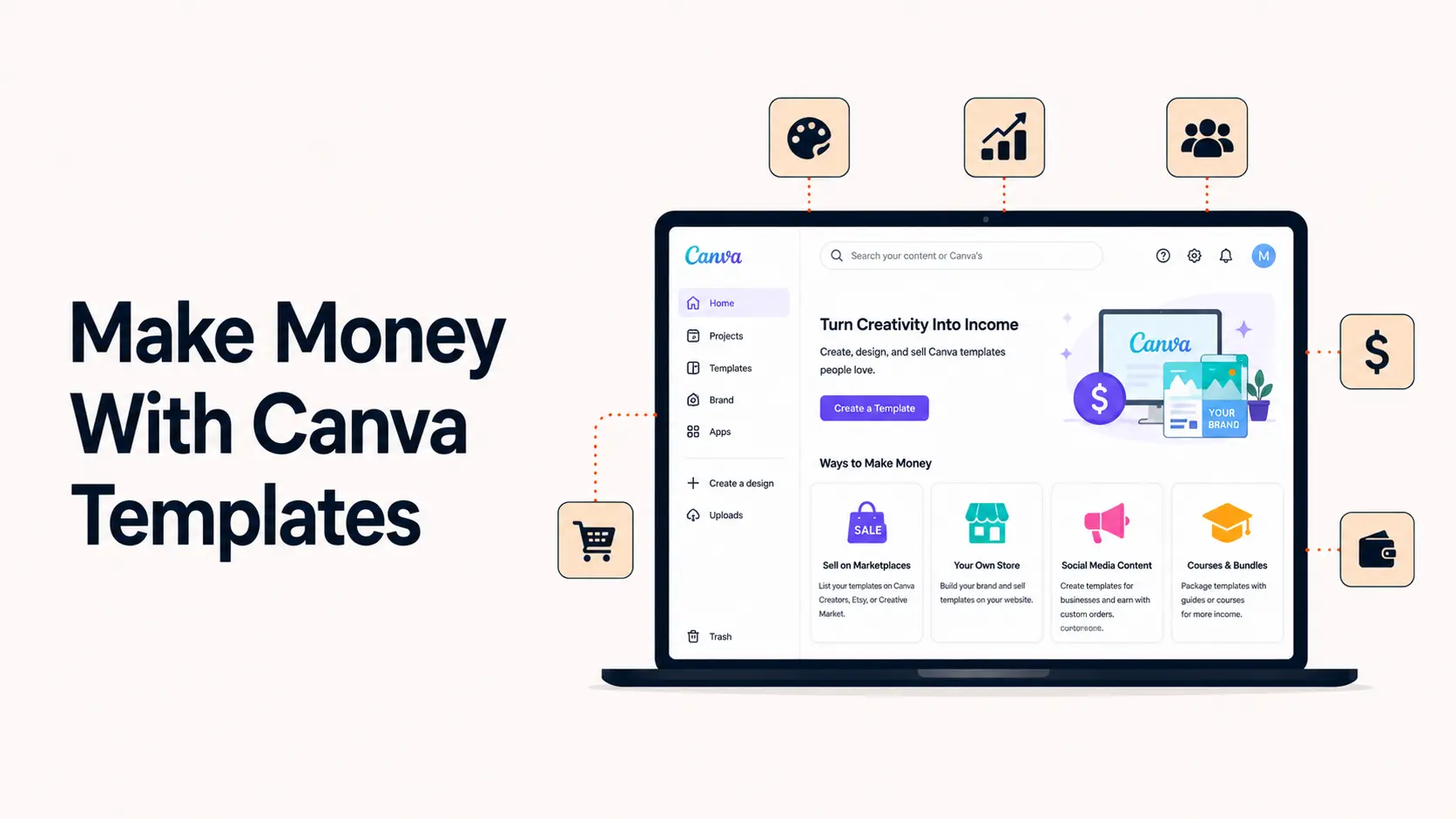


Canva templates can be a real digital-product business, but the opportunity in 2026 is less about uploading generic social-media packs and more about solving a specific problem for a specific buyer. A useful template saves time, improves consistency, or helps someone complete a task they would otherwise struggle to design themselves.
The model is attractive because there is no physical inventory, the same original template can be sold repeatedly, and delivery can be automated. The harder parts are finding a niche with real demand, creating genuinely original work, following Canva licensing rules, and building dependable traffic.
This guide explains how to make money with Canva templates in 2026, what you can legally sell, where to sell templates, how to price them, how Canva Creators works, and how to turn a small catalog into a repeatable digital-product business.
TL;DR
- Create original templates around a narrow buyer problem rather than generic designs for everyone.
- Sell through Etsy, a digital-product storefront, your own site, custom client work, or Canva Creators.
- If a template uses Canva Pro Content, Canva says it must remain inside Canva and be delivered through a Canva template or share link rather than as an off-platform template file.
- Do not resell an existing Canva template as-is. Build your own layout, structure and product.
- Use bundles, clear previews, instructions, search-focused listings and multiple traffic channels.
- Track conversion rate, support issues, traffic sources and profit rather than assuming templates are automatic passive income.
Can you really make money selling Canva templates in 2026?
Yes. Canva explicitly allows original templates to be sold under its current licensing rules, and Etsy allows seller-designed digital products. Canva also operates Canva Creators, where approved Template Creators can publish templates to Canva marketplace and earn royalties based on usage. The opportunity is legitimate, but the way you build and deliver a product matters because Canva Free Content and Pro Content have different rights.
| Model | How you earn | Best for | Main trade-off |
|---|---|---|---|
| Direct template sales | Customer pays for a template or bundle | Sellers who want pricing and brand control | You handle traffic, support and platform fees |
| Canva Creators | Royalties based on template usage | Designers who want Canva marketplace distribution | Application required and earnings depend on usage |
| Custom template services | Client pays for a tailored system | Designers who prefer higher-value service work | Less scalable than repeat sales |
Understand Canva licensing before you sell anything
Licensing is the part many beginner tutorials oversimplify. A design can look original while still containing Canva-owned photos, graphics, fonts or other library content with specific usage rights. Before listing a product, know whether the design contains Free Content, Pro Content, your own uploads, or third-party assets.
You must create an original design
Canva says existing Canva templates cannot simply be resold as-is. The safer approach is to create your template from scratch with your own layout, typography choices, structure, copy placeholders and design decisions. Minor color or font changes to an existing template are not a durable product strategy and can create originality or licensing problems.
Pro Content changes how a template can be delivered
Canva currently allows original templates to contain Pro Content, but if Pro Content is included, the template must remain inside Canva and be shared through a Canva template link that brings the buyer back to Canva to edit it. Canva says you cannot sell a template containing Pro Content as a PDF or another off-platform template file.
Free Content gives broader template rights
Canva current Content License Agreement gives additional rights for Free Content, including use in templates for distribution or sale. Even then, the product should be your original composition rather than a standalone Canva asset being redistributed.
Client work is different from selling the same template repeatedly
Canva has separate provisions for transferring a Canva Design containing Free or Pro Content to a single client, subject to its terms. That is useful when you are creating a custom brand kit or template system for one client. It should not be confused with selling one reusable design to unlimited customers.
What types of Canva templates can you sell?
Almost any repeatable design workflow can become a template product if buyers need to customize the final result. Strong categories usually connect to a business task, event, career goal, content workflow or recurring personal need.
| Category | Typical buyer | Examples |
|---|---|---|
| Social media | Creators and small businesses | Instagram posts, carousels, Pinterest pins, YouTube thumbnails |
| Business | Freelancers and companies | Proposals, media kits, price lists, lead magnets, pitch decks |
| Ecommerce | Online sellers | Sale banners, product guides, review graphics, email visuals |
| Career | Job seekers and professionals | Resumes, CVs, portfolios, cover-letter layouts |
| Events | Couples, hosts and planners | Invitations, seating charts, menus, signage |
| Education | Teachers, tutors and course creators | Worksheets, slides, workbooks, certificates |
How to choose a profitable Canva template niche
A profitable niche is not simply a design style that looks attractive. It is a group of buyers with a recurring design problem and enough willingness to pay for a faster solution. Start with the buyer, then the task, then the format.
1. Look for repeated design tasks
Recurring tasks create repeatable demand. A real estate agent needs listing graphics every week. A wedding planner needs client guides for every project. A coach may need launch graphics, worksheets, webinar slides and lead magnets. These problems are stronger than a generic pack of one hundred aesthetic social posts.
2. Narrow the buyer before expanding the catalog
A template for small business competes with almost everything. A welcome guide for wedding photographers, a property-listing carousel for real estate agents, or a price guide for mobile beauty businesses has a clearer customer and clearer search language.
3. Use marketplace search as demand research
Search Etsy, Pinterest, Google and Canva itself. Study autocomplete suggestions, recurring customer wording, review complaints and the structure of visible listings. Do not copy competitors. Use the research to identify what buyers repeatedly ask for and where existing products are weak.
4. Build around outcomes, not aesthetics
Buyers care about what the template helps them finish. Client onboarding kit for freelance designers communicates a job to be done. Minimal neutral business bundle mainly communicates a visual style. Style matters, but outcome usually produces stronger purchase intent.
How to create a Canva template people will pay for
A sellable template should be easier to customize than to recreate. That means the value is partly visual design and partly product architecture.
- Use a clear visual hierarchy so buyers immediately understand what to edit.
- Use realistic text placeholders that show what information belongs in each section.
- Keep spacing, font hierarchy, grids and page structure consistent.
- Avoid decorative elements that make customization unnecessarily difficult.
- Design useful variations rather than duplicating nearly identical pages.
- Test the entire template from a buyer point of view before listing it.
Design for the buyer Canva account
If you want the broadest possible audience, a Free-content-only version can reduce friction for Canva Free users. If you intentionally use Pro Content, explain that clearly in the product description and deliver the product in a way that complies with Canva current rules.
Create a simple instruction file
Do not assume every buyer knows how Canva template links work. Include a short PDF or read-me explaining how to open the template, make a copy, edit text and colors, replace images, and export the final design. Clear instructions reduce support requests and improve the customer experience.
Where can you sell Canva templates?
1. Etsy
Etsy is a common starting point because it supports seller-designed digital items and already has buyers searching for templates. You can list an instant digital download containing instructions and the Canva template link. Etsy currently requires digital products to be made or designed by the seller, so originality is important.
The advantage is marketplace demand. The disadvantages are competition, platform fees and limited control over the customer relationship. Treat Etsy as a search marketplace, not as guaranteed traffic.
2. Gumroad and similar digital-product storefronts
A direct digital-product storefront gives you more control over pricing, bundles, discounting and email capture. It works best when you already have an audience from social media, YouTube, a blog, a newsletter or a community.
3. Your own website
An owned storefront gives the most control over branding, SEO, upsells and customer data. It takes more work to generate traffic, but it can become the strongest long-term asset if you plan to build a serious catalog. The same fundamentals in Tenfic guide to starting an ecommerce business apply here: product-market fit, checkout friction, trust, traffic and retention still matter when the product is digital.
4. Canva Creators
Canva Creators is a different model. Approved Template Creators publish designs directly to Canva marketplace and earn royalties based on template usage. Canva says the Template Creator program is currently in beta and requires an application with a portfolio.
5. Custom client work
You can also sell custom Canva template systems as a service through freelance marketplaces or direct outreach. This is not passive income, but it can fund the product side of the business. A custom brand template package may generate more revenue from one client than dozens of low-priced template sales.
How much should you charge for Canva templates?
Pricing should reflect buyer value, number of usable pages, specialization, depth of the system, commercial context and the support included. There is no universal price that works across all niches.
| Offer type | Positioning | Pricing approach |
|---|---|---|
| Single simple template | Low-risk entry product | Lower price designed to convert first-time buyers |
| Focused multi-page pack | Solves one complete task | Mid-range price based on depth and specificity |
| Large business bundle | Multiple related workflows | Higher price with clear savings versus separate products |
| Custom template system | Built for one client or brand | Service pricing based on scope and business value |
Do not race to the bottom because competitors are cheap. Low prices can create high support volume without enough margin. A specialized template that saves a business owner several hours can justify a higher price than a generic aesthetic pack.
How to package a Canva template product
- A polished listing cover that immediately communicates the use case.
- Multiple preview images showing representative pages and variations.
- A clear page or template count without inflating numbers with near-duplicates.
- Compatibility notes, including whether Canva Pro is required.
- A short instruction PDF with the template link and editing steps.
- Terms of use explaining what the buyer may and may not redistribute.
- A support method for broken links or genuine access problems.
How to market Canva templates
Use marketplace SEO intentionally
Marketplace titles, tags, categories and descriptions should use the language buyers search. Combine the template type, buyer and outcome. Canva Media Kit Template for UGC Creators is more specific than Modern Canva Template.
Use Pinterest for evergreen discovery
Pinterest is particularly well suited to visual digital products because pins can continue sending traffic after publication. Build search-focused pins around the template use case, not only the product mockup. Tenfic Pinterest for Business guide and Pinterest SEO guide explain the broader traffic system.
Demonstrate the transformation
Show how a buyer can go from blank canvas to finished deliverable, how quickly pages can be customized, or how the template solves a specific workflow. Demonstrations are generally stronger than repeatedly posting product covers.
Build search traffic on your own site
If you have a website, publish useful content around the problems your templates solve. A wedding-template shop can publish planning resources. A real-estate template shop can publish marketing guides for agents. That creates organic entry points beyond marketplace search.
Use bundles and cross-sells
Once one product converts, build adjacent products for the same buyer. A coach who buys a workbook template may also need a webinar deck, lead magnet, launch graphics and a client welcome guide. This is usually more efficient than constantly chasing new audiences.
For broader distribution planning, use Tenfic social media growth strategy rather than depending on one platform.
Canva Creators: another way to earn from templates
Canva Template Creator program lets approved designers submit original templates to Canva marketplace and earn royalties based on usage. Canva says creators can access usage and export data along with royalty information through Creator dashboards, which can help guide what to design next.
One important 2026 detail: Canva current Contributor Agreement says accepted templates are licensed to Canva on an exclusive basis for three years from submission. During that period, that specific design cannot be made accessible through a competing online graphic-design platform. Read the current Contributor Agreement before submitting a design you also plan to distribute elsewhere.
The current Contributor Agreement also requires human authorship as the creative source of submitted Stock Media and says AI-generated Stock Media is not permitted in the Contributor Program. That restriction is specific to Contributor submissions and is stricter than simply using Canva AI-generated library Content in an ordinary Canva design under the Content License Agreement.
How to improve your Canva Creator application
- Show a focused portfolio with strong typography, layout and customization logic.
- Demonstrate original visual thinking rather than Canva-template remixes.
- Create designs that are genuinely editable, not finished graphics with no reusable structure.
- Show awareness of different buyers, industries, languages or cultural use cases where relevant.
Free Canva elements vs Pro elements: which is better for sellers?
Neither is automatically better. The right choice depends on your delivery model and buyer.
| Choice | Advantage | Risk or limitation |
|---|---|---|
| Mostly Free Content | Works for more buyers and has broader template-use rights | May require more original layout work to stand out |
| Pro Content in a Canva template link | Access to a larger premium library | Buyer may face Pro restrictions and the template must remain inside Canva |
| Your own uploaded assets | Maximum originality and control when you own the rights | You must manage copyright and licensing yourself |
Can you use AI to make Canva templates?
AI can help with brainstorming, placeholder copy, product research and some design workflows, but it does not remove the need for originality, rights checks or quality control. Canva license terms apply to AI-generated library content according to whether that content is treated as Free or Pro Content. Etsy currently allows seller-prompted AI creations but requires disclosure of AI use.
A viable template product still needs human product judgment: the layout must work, the content structure must make sense, the buyer must be able to customize it, and the listing must honestly represent what is being sold.
Common mistakes that stop Canva template shops from growing
- Selling Canva existing templates with only minor edits.
- Ignoring whether a design contains Pro Content and delivering it incorrectly.
- Creating broad products with no clear buyer or use case.
- Using copyrighted brands, characters, celebrity images or other IP without permission.
- Using attractive mockups to hide a weak or repetitive template.
- Creating hundreds of listings before validating demand.
- Underpricing products until support and platform fees consume the margin.
- Depending entirely on Etsy or one social platform for traffic.
- Failing to test every template link and instruction file after publishing.
- Promising passive income rather than building a real product and marketing system.
How to calculate whether a Canva template business is profitable
Digital products have no physical cost of goods, but they are not cost-free. Track marketplace fees, payment processing, paid ads, software, mockup tools, contractors, refunds and the value of your time.
Simple monthly profit = template revenue – marketplace and payment fees – advertising – software – refunds – outsourced work.
Also watch conversion rate, average order value, revenue per listing, refund or support rate and sales by traffic source. Tenfic ecommerce sales guide is useful here because the same conversion principles apply to digital products.
Reviews can materially influence conversion on marketplace listings. Build a product and support process that earns them naturally rather than trying to manipulate feedback. Tenfic customer review guide covers the broader principles.
A practical 90-day plan to start selling Canva templates
Days 1-30: validate the niche
- Choose one buyer and one repeatable problem.
- Research 30-50 marketplace listings and record common keywords, formats, prices and review complaints.
- Create 3-5 original products rather than 30 generic listings.
- Decide whether each product will use Free Content, Pro Content inside Canva, or your own licensed assets.
- Build consistent preview images and a reusable instruction PDF.
Days 31-60: publish and learn
- Launch the initial listings on one primary storefront.
- Test titles, thumbnails and positioning rather than constantly redesigning the product.
- Publish helpful Pinterest or social content that demonstrates the templates.
- Track listing views, conversion rate, support questions and which pages buyers mention.
- Turn recurring questions into better product instructions and listing copy.
Days 61-90: expand what works
- Bundle the best-performing related products.
- Create adjacent templates for the same buyer instead of jumping to a new niche.
- Add a second traffic channel such as Pinterest, SEO, YouTube or email.
- Consider an owned storefront once you have validated products and repeat buyers.
- If your portfolio is strong, prepare an application to Canva Creators as a separate royalty-based channel.
How much can you make with Canva templates?
There is no responsible fixed income figure. Results vary with niche, product quality, pricing, traffic, marketplace competition, conversion rate, catalog size and customer retention. A few sales can validate a niche, but meaningful monthly income usually requires a catalog, reliable traffic and continued optimization.
The useful question is whether the product can acquire customers profitably, satisfy them, and lead to repeat or bundle purchases. That turns the idea from an income claim into a measurable business.
Is selling Canva templates passive income?
Template sales can become low-touch because delivery is digital, but the business is not passive at the beginning. Research, design, listing optimization, customer support, updates, broken-link checks, new product development and traffic all require work. Canva Creators reduces direct selling work, but creators still need to produce competitive templates and monitor what performs.
Final thoughts
Making money with Canva templates in 2026 is viable when you treat templates as products, not as quick design uploads. Start with a clear buyer problem, create original templates, follow Canva licensing rules, package the product professionally, and build traffic from more than one source.
A small catalog of specialized, useful templates can be more defensible than hundreds of generic designs. Validate demand first, improve what converts, and expand around the same buyer. That is the path from occasional digital-product sales to a repeatable template business.
Frequently asked questions
Can I legally sell Canva templates?
Yes. Canva allows original templates to be sold under its licensing terms. You cannot simply resell an existing Canva template as-is, and you need to follow the rules that apply to any Canva Free or Pro Content used in your design.
Can I sell Canva templates that use Pro elements?
Yes, under Canva current guidance you can use Pro Content in an original template when the template is shared as a Canva template link that keeps the template inside Canva. Canva says templates containing Pro Content cannot be sold as PDFs or other off-platform template files.
Do my customers need Canva Pro?
Not necessarily. A template made with Free Content can be easier for Canva Free users. If you use Pro Content, buyers may need access to the relevant Pro features or content, so disclose that clearly before purchase.
Where is the best place to sell Canva templates?
Etsy is useful for marketplace search demand, while Gumroad-style storefronts and your own website offer more control. Canva Creators is another option for approved designers who want to earn royalties inside Canva.
Can I sell Canva templates on Etsy?
Yes. Etsy currently allows digital items designed by the seller, including templates. Your product should be your own design and must also comply with Canva licensing rules and Etsy current seller policies.
How many Canva templates should I create before launching?
You do not need a huge catalog. A focused set of three to five strong products is enough to test a niche. Use early traffic, conversions and customer questions to decide what to build next.
What Canva templates are most profitable?
There is no universally most profitable category. Specialized templates tied to a valuable task usually have stronger pricing power than generic design packs. Profit depends on demand, competition, pricing, traffic and conversion.
Can Canva templates become passive income?
They can become relatively low-touch because delivery is digital, but they still require product research, marketing, listing optimization, customer support and occasional updates. Treat them as a digital-product business rather than guaranteed passive income.