

AI tools for social media marketing are no longer limited to writing captions. In 2026, the strongest tools can help plan content, generate creative assets, repurpose video, identify trends, recommend publishing times, analyze performance, monitor brand conversations, and keep output aligned with a brand voice. The useful question is not which tool has the most AI features. It is which part of your social workflow you need to improve.
For most teams, the best stack is smaller than expected. One social management platform, one visual or video production tool, and one specialist tool for the bottleneck that costs you the most time is usually enough. Adding five overlapping AI writers rarely improves the strategy.
This guide compares 10 of the best AI tools for social media marketing in 2026 by the job each one handles best. If you are still building the strategy behind the tools, start with Tenfic’s complete social media growth strategy for 2026.
TL;DR: Hootsuite Wisdom is the strongest all-in-one option for teams that want AI connected to publishing, listening, analytics, and workflow data. Buffer is the easiest affordable choice for creators and small businesses. Sprout Social is stronger when reporting, customer intelligence, and social listening matter more than price. Canva is the practical creative layer for graphics, while OpusClip and Descript are better for video-heavy teams.
- Choose tools by workflow, not by the number of AI features.
- Keep a human review step for public posts, customer replies, claims, and sensitive topics.
- Use AI to accelerate ideation, first drafts, repurposing, analysis, and repetitive production.
- Do not outsource positioning, cultural judgment, community relationships, or final editorial responsibility to AI.
Best AI tools for social media marketing compared
| Rank | Tool | Best for | Starting price* | Main AI strength |
|---|---|---|---|---|
| 1 | Hootsuite Wisdom | All-in-one social marketing | From about $99/month | Social-first AI connected to real workflow data |
| 2 | Buffer AI Assistant | Creators and small businesses | Free; paid from $5/channel/month annually | Ideas, rewriting, repurposing, scheduling |
| 3 | Sprout Social | Analytics-driven teams | From $79/seat/month annually | AI insights, listening, reporting, customer care |
| 4 | Canva Magic Studio | Social design and creative production | Free; Pro $144/year | AI-assisted design, image, and creative workflows |
| 5 | Predis.ai | Generating social posts and ad creatives | From about $19/month annually | Text-to-post, video, design, competitor analysis |
| 6 | OpusClip | Short-form video repurposing | Free; Starter $15/month | AI clipping, captions, reframing, short-form extraction |
| 7 | Descript | Video and audio editing | Free; paid plans available | Text-based editing, clips, cleanup, AI co-editing |
| 8 | Later | Visual social planning | From $18.75/month annually | AI ideas, captions, timing, trend signals |
| 9 | Jasper | Brand-controlled campaign copy | $69/month/seat | Brand voice, campaign agents, cross-channel copy |
| 10 | Brandwatch | Enterprise listening and consumer intelligence | Custom pricing | Iris AI for listening, insights, publishing, and analysis |
*Pricing checked in August 2026. Vendors change pricing, included AI credits, and packaging frequently. Annual billing is used where noted.
What makes an AI social media tool useful in 2026?
The category has expanded. A scheduler with a caption generator is no longer automatically an “AI social media platform.” The best tools now connect AI to the work that already happens inside the social workflow: audience signals, historical performance, content calendars, publishing, engagement, listening, reporting, creative production, or brand governance.
That context matters. A generic model can draft a caption, but a social platform that understands your connected profiles, top-performing posts, competitors, audience activity, or listening data can make recommendations that are more useful to the actual account. Later makes a similar point in its 2026 guidance: AI earns its place when it removes repeatable work inside the workflow rather than creating another app marketers have to remember to open.
How we evaluated these AI social media tools
We compared each tool against six practical criteria instead of counting features. The ranking favors tools that solve a clear social media marketing problem and fit into a repeatable workflow.
- Workflow fit: Does the AI live where the work already happens?
- Context: Can it use brand, account, campaign, or performance data rather than generic prompts alone?
- Creation quality: Does it meaningfully reduce first-draft, design, editing, or repurposing time?
- Analysis: Can it turn social data into decisions rather than just charts?
- Control: Can a human review, edit, approve, and override output before it reaches the audience?
- Value: Does the tool save enough time or replace enough separate software to justify its cost?
1. Hootsuite Wisdom: best overall AI social media marketing platform
Best for: Marketing teams that want one AI-connected workspace for publishing, listening, analytics, engagement, and social intelligence.
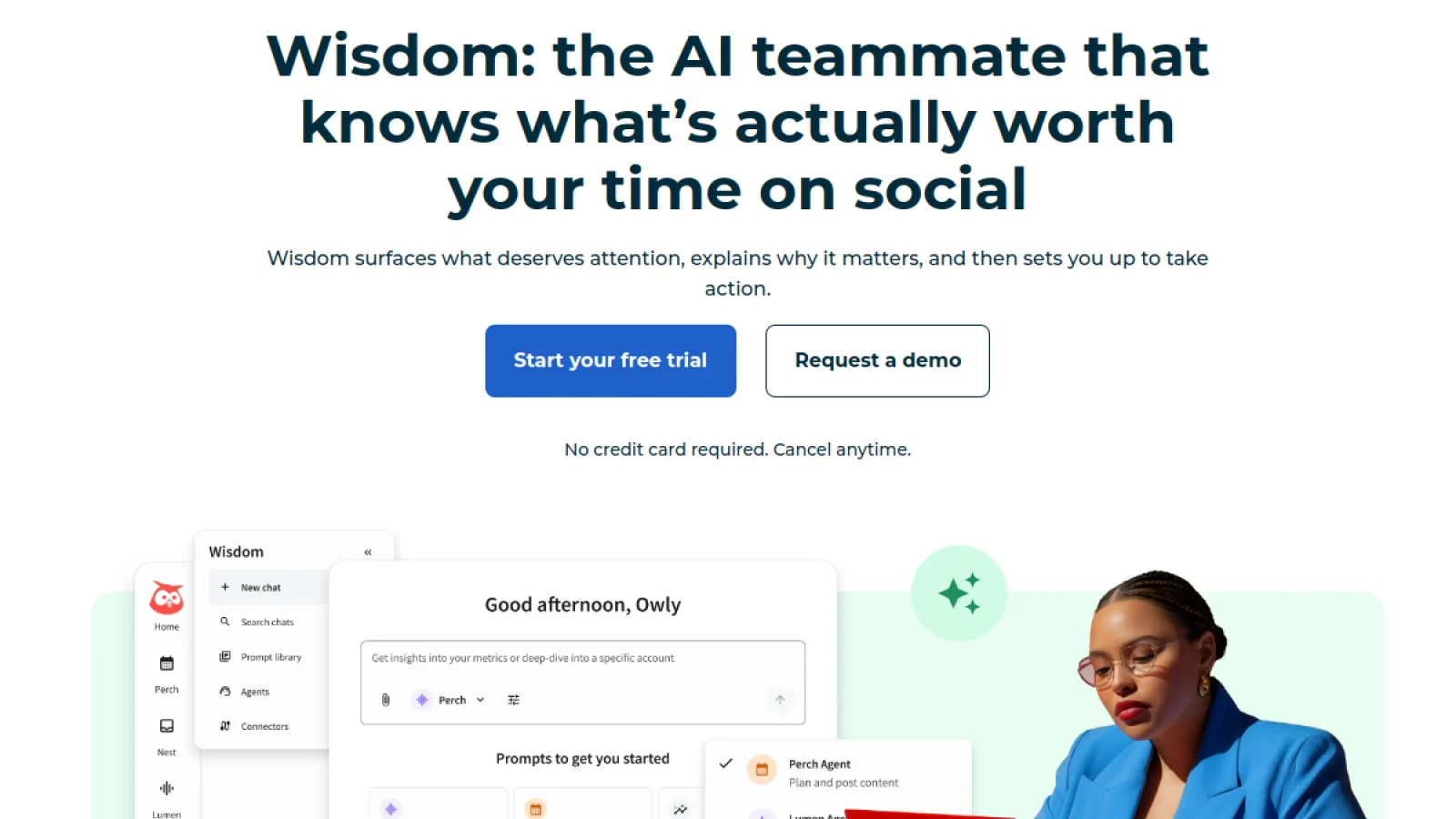
Hootsuite has moved beyond a separate caption assistant. Its current AI layer, Wisdom, sits across the wider Hootsuite Social OS and can answer questions about social performance, competitors, audience conversations, and trends in plain language. It can also turn an insight into a next step, such as drafting a post, producing a campaign idea, summarizing a report, or flagging an issue for review.
That makes Hootsuite more useful than a standalone generator when the real problem is context switching. The same environment includes content planning and publishing, social inbox workflows, analytics, and listening. Hootsuite says Wisdom evolved from its previous OwlyGPT and Yeti experiences into one social-first AI interface.
Why Hootsuite ranks first
- AI can use social workflow context instead of working from an empty prompt.
- Combines publishing, engagement, listening, analytics, and competitor monitoring.
- Built-in content generation includes post ideas, captions, hashtags, and images.
- Best-time-to-post recommendations connect publishing decisions to account activity.
- Strong fit for teams that would otherwise pay for several separate social tools.
Limitations: Hootsuite is more expensive than lightweight schedulers, and smaller creators may not use enough of the listening, inbox, reporting, and collaboration features to justify the spend. It is strongest when social media is already an operational marketing function, not just a weekly posting task.
Pricing: Hootsuite says paid plans start around $99 per month, with higher tiers for larger teams and advanced workflows. Pricing and packaging can vary by billing term and region.
2. Buffer AI Assistant: best for creators and small businesses
Best for: Solo marketers, creators, startups, and small businesses that need simple AI-assisted publishing without enterprise complexity.
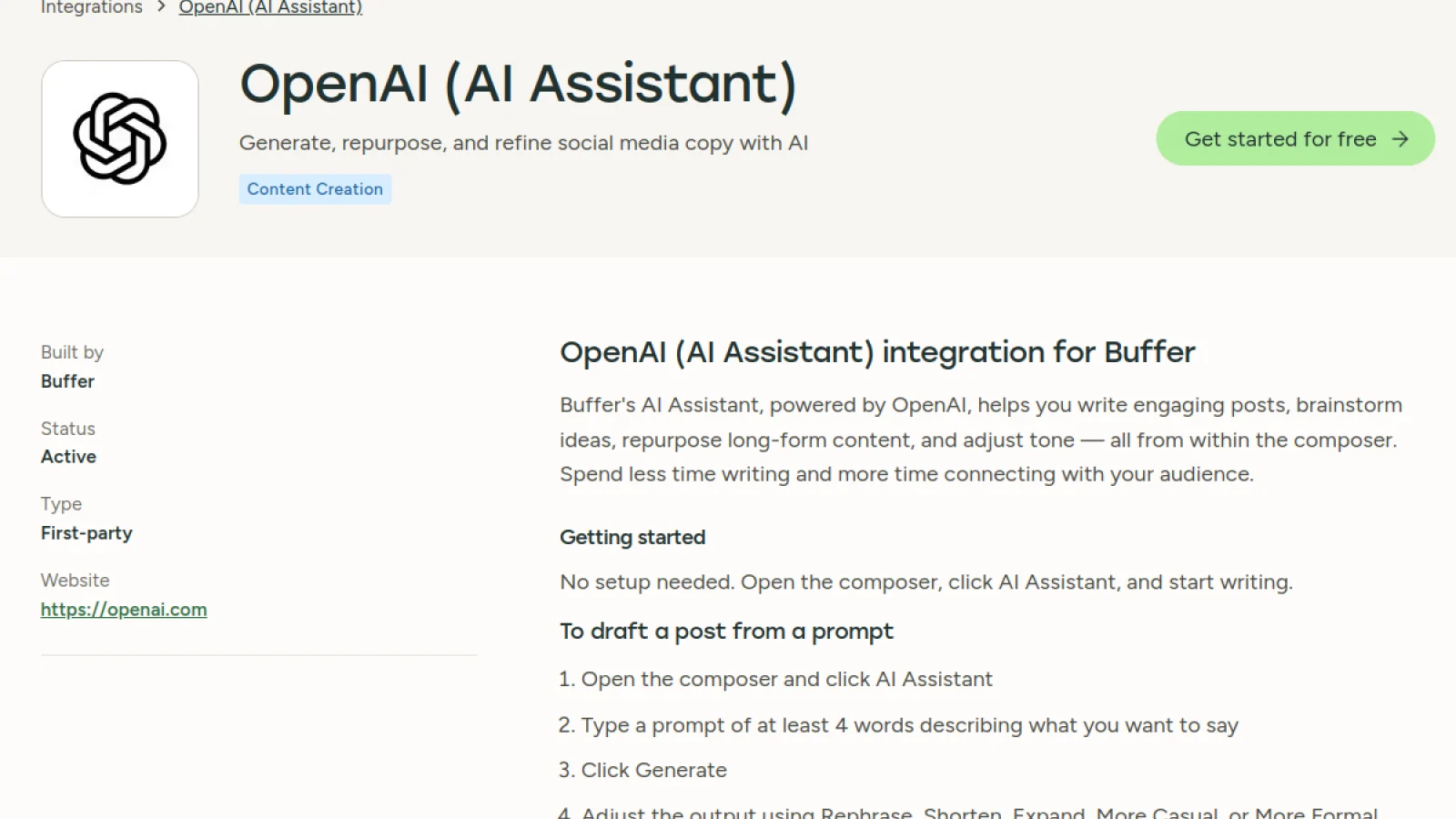
Buffer remains one of the easiest ways to combine planning, scheduling, and AI-assisted writing. Its AI Assistant is included even on the free plan and is particularly useful for turning a rough idea into several variations, rewriting content for another platform, shortening or expanding copy, and moving an idea from draft to scheduled post without a large workflow setup.
The reason Buffer ranks highly is not that its AI is the most advanced. It is that the AI is attached to a product people can adopt quickly. A small business can capture an idea, produce a few versions, adapt it for LinkedIn or Instagram, schedule it, and review performance without learning an enterprise social suite.
Where Buffer is strongest
- Free plan includes AI Assistant and support for up to three channels.
- Paid plans are priced per channel, which can be economical for focused social strategies.
- Fast workflow for brainstorming, rewriting, and repurposing one idea across networks.
- Clean interface reduces training time for small teams.
- Useful balance between manual control and automation.
Limitations: Buffer is lighter than Sprout Social, Hootsuite, or Brandwatch for advanced listening, enterprise reporting, approval chains, and customer-care operations. That is often an advantage for small teams, but it becomes a limitation once social data and governance become more complex.
Pricing: Buffer has a free plan. Essentials starts at $5 per month per channel when billed annually, according to its current pricing page.
3. Sprout Social: best for analytics, listening, and larger teams
Best for: Established marketing teams that need social intelligence, reporting, customer-care workflows, listening, and AI-assisted analysis at scale.
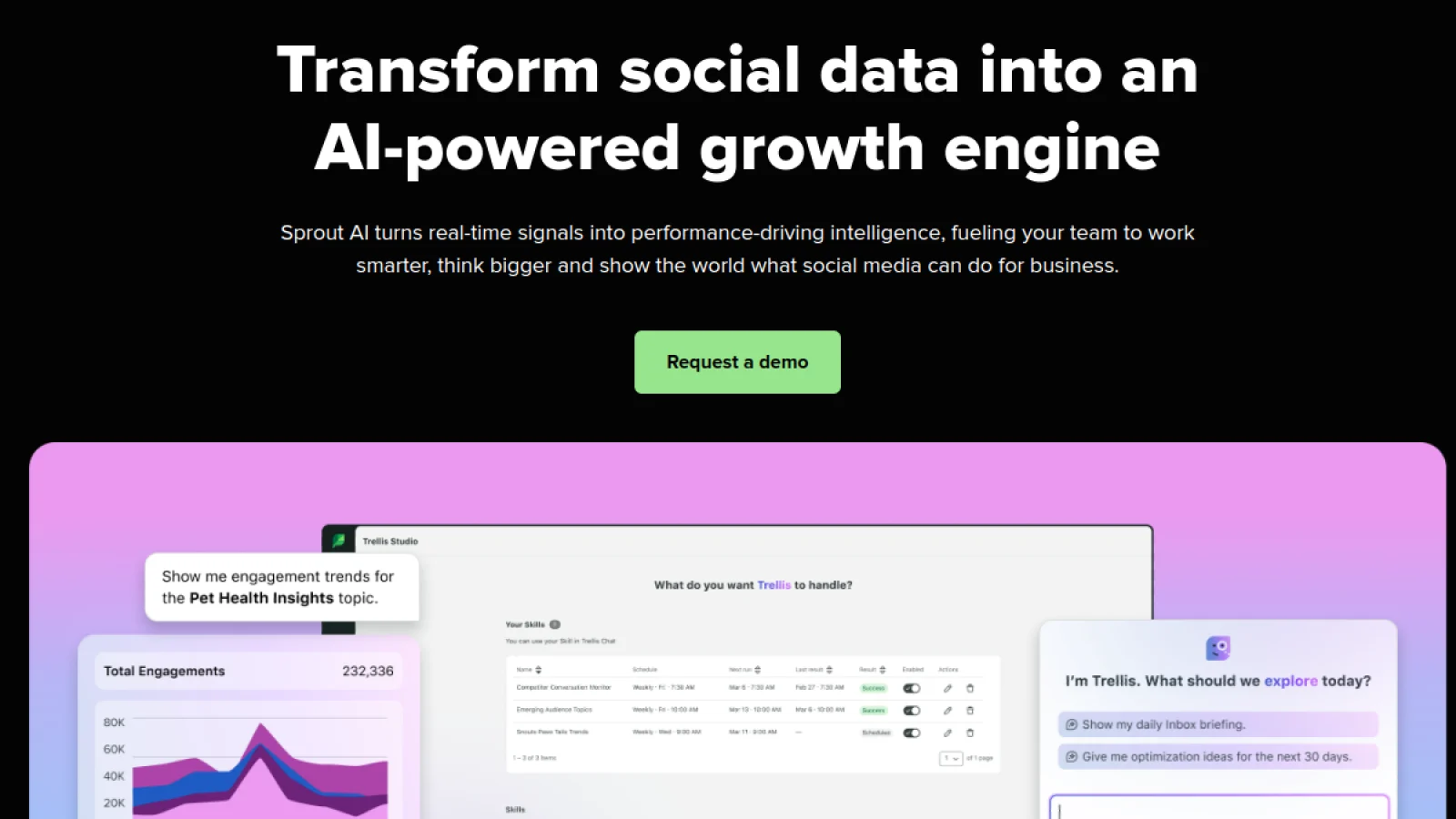
Sprout Social is less compelling if your only goal is to generate captions. Its value appears when AI is applied to a large amount of social data. Sprout has been expanding Trellis, its proprietary AI agent, across publishing, listening, the Smart Inbox, and reporting. The platform also includes AI Assist features for content generation, response enhancement, sentiment work, and workflow automation.
For analytics-heavy teams, this can reduce the amount of manual work between “here is the dashboard” and “here is what we should do next.” Sprout is also strong when social media doubles as customer care, reputation management, and business intelligence rather than functioning only as a content channel.
Where Sprout Social is strongest
- Deep reporting and social listening capabilities.
- AI-assisted analysis can help summarize large volumes of social data.
- Strong inbox, customer-care, approval, and team workflow features on higher plans.
- Trellis is designed to connect social signals with actionable recommendations.
- Suitable for brands where social insights inform marketing, support, product, or communications teams.
Limitations: Cost is the obvious trade-off. Sprout is difficult to justify for a solo creator or a business managing a few simple profiles. Important listening and advanced capabilities may also sit above the entry plan.
Pricing: Sprout Social Essentials starts at $79 per seat per month billed annually. Standard, Professional, Advanced, and Enterprise tiers add progressively deeper collaboration, inbox, analytics, and automation features.
4. Canva Magic Studio: best for social graphics and creative production
Best for: Teams that need to produce branded social graphics, carousels, short videos, ads, thumbnails, and campaign variations quickly.
Social media marketing is visual, so an AI stack that only writes copy is incomplete. Canva Magic Studio brings AI-assisted generation and editing into a design environment already used for social templates, video, presentations, ads, and brand assets. That makes it practical for marketers who need creative output but do not want a separate generative image tool, design editor, and social template library.
Canva is especially useful for turning one campaign idea into multiple visual formats. A marketer can create the core asset, resize or adapt it for other networks, generate supporting elements, and keep the work inside a brand-controlled design system. The value is less about one spectacular AI output and more about production speed across many everyday social assets.
Where Canva Magic Studio is strongest
- Large social template ecosystem plus AI-assisted creative tools.
- Useful for graphics, carousels, short-form video, thumbnails, and ad assets.
- Brand Kit helps keep recurring social content visually consistent.
- Lower learning curve than professional design software for most marketers.
- Works well as the visual layer beside a scheduler such as Buffer, Hootsuite, or Later.
Limitations: Canva is not a full social listening or analytics system, and AI-generated visuals still need brand, accuracy, and rights review. Teams can also fall into a recognizable template look if they rely too heavily on defaults instead of building a distinct visual system.
Pricing: Canva offers a free plan. Canva Pro is currently listed at US$144 per year for one person in the US, with other business and enterprise options available.
5. Predis.ai: best for generating complete social posts and ad creatives
Best for: Small teams that want AI to generate the copy, design, and short-form creative together instead of assembling each asset manually.
Predis.ai is more specialized than a general AI writer. It can turn a short brief into social posts, images, carousels, and videos, then support publishing and competitor analysis in the same product. That makes it useful for teams where the main bottleneck is the volume of assets needed to keep multiple channels active.
The appeal is speed from prompt to usable social unit. Instead of generating copy in one tool, moving to a design tool, then rebuilding the post in a scheduler, Predis tries to compress those steps. It can be particularly useful for ecommerce, local businesses, agencies, and content teams that need many campaign variations.
Where Predis.ai is strongest
- Generates visual posts, carousels, and videos from a brief.
- Combines content generation with publishing features.
- Competitor analysis can provide additional context for content planning.
- Useful for high-volume social calendars and ad creative variations.
- More purpose-built for social output than a generic AI writing assistant.
Limitations: Fully generated posts still need editorial and visual review. If the team already has a strong designer, copy workflow, and scheduler, Predis may overlap with tools you already pay for. It is most valuable when consolidation matters.
Pricing: Predis currently lists a Core plan around $19 per month when billed annually, with higher tiers adding more credits, brands, channels, and automation capacity.
6. OpusClip: best for turning long videos into short-form clips
Best for: Podcasts, webinars, interviews, YouTube channels, founder videos, and brands that want to turn long-form footage into Reels, TikToks, and Shorts.
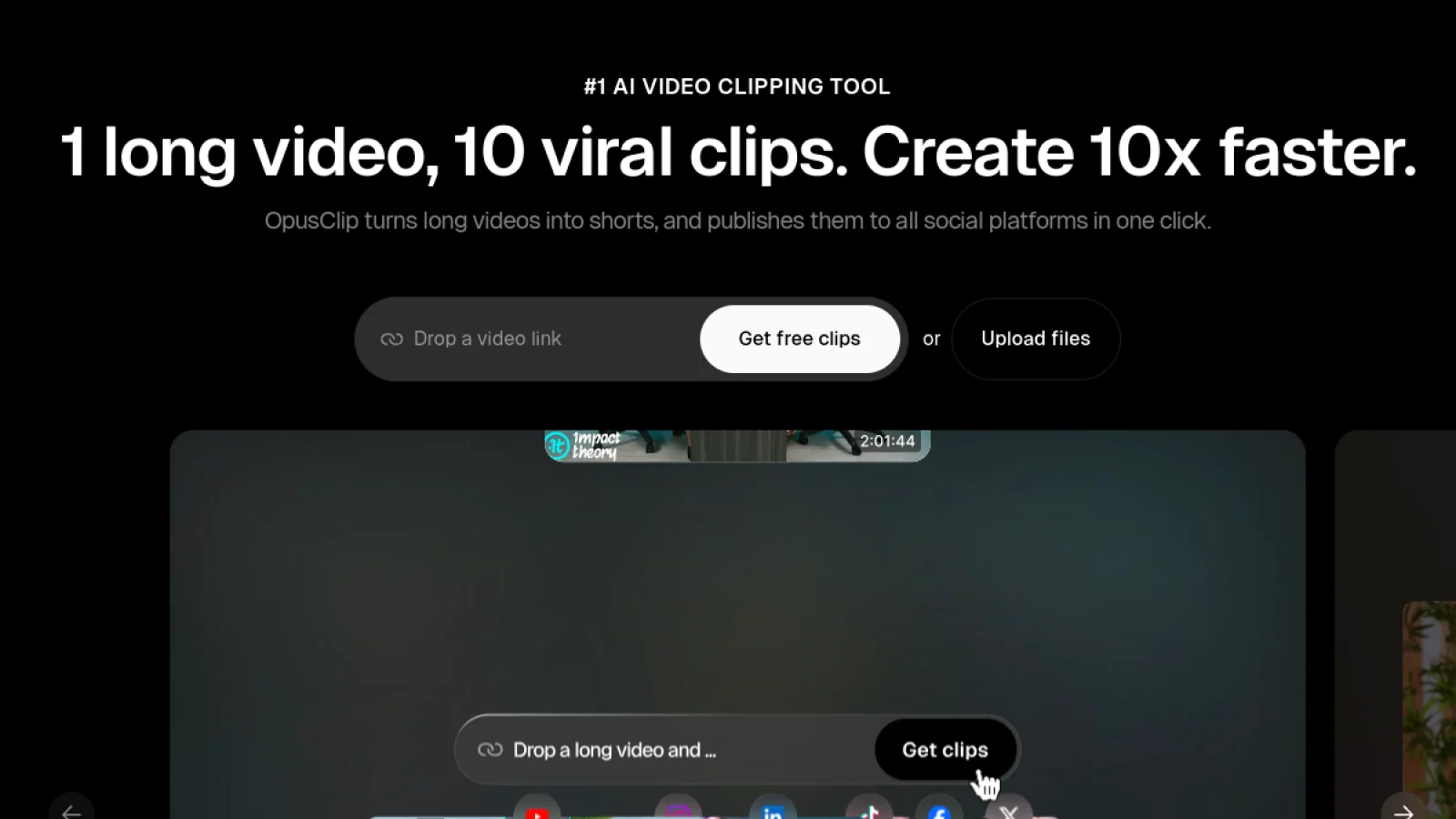
OpusClip solves a very specific social media problem well: finding usable moments inside longer videos and turning them into vertical short-form content. Its AI clipping models analyze video and can identify candidate moments, reframe speakers or objects, add captions, and prepare clips for social distribution.
That is valuable because short-form repurposing is not just trimming a timeline. Editors need to find a self-contained moment, create a strong opening, fit the frame, caption it, and package it for a platform. OpusClip automates a meaningful part of that mechanical work, which can turn a monthly webinar or podcast into a consistent stream of social clips.
Where OpusClip is strongest
- AI clipping for podcasts, interviews, webinars, and other long videos.
- Automatic captions and social-friendly reframing.
- Pro plans add social scheduling and multi-platform posting support.
- Useful for teams with existing long-form footage but limited editing capacity.
- Can dramatically reduce the time spent finding highlight moments.
Limitations: A virality score is a prioritization signal, not a guarantee of reach. The best clip can still require manual editing, context, a stronger hook, or a different crop. Teams that create only original short-form video may get less value than teams with a large long-form library.
Pricing: OpusClip has a free plan. Starter is currently $15 per month, while Pro and Business tiers add more credits, team features, advanced editing, scheduling, and integrations.
7. Descript: best for AI-assisted video and audio editing
Best for: Social teams editing talking-head videos, podcasts, interviews, tutorials, screen recordings, and repurposed clips.
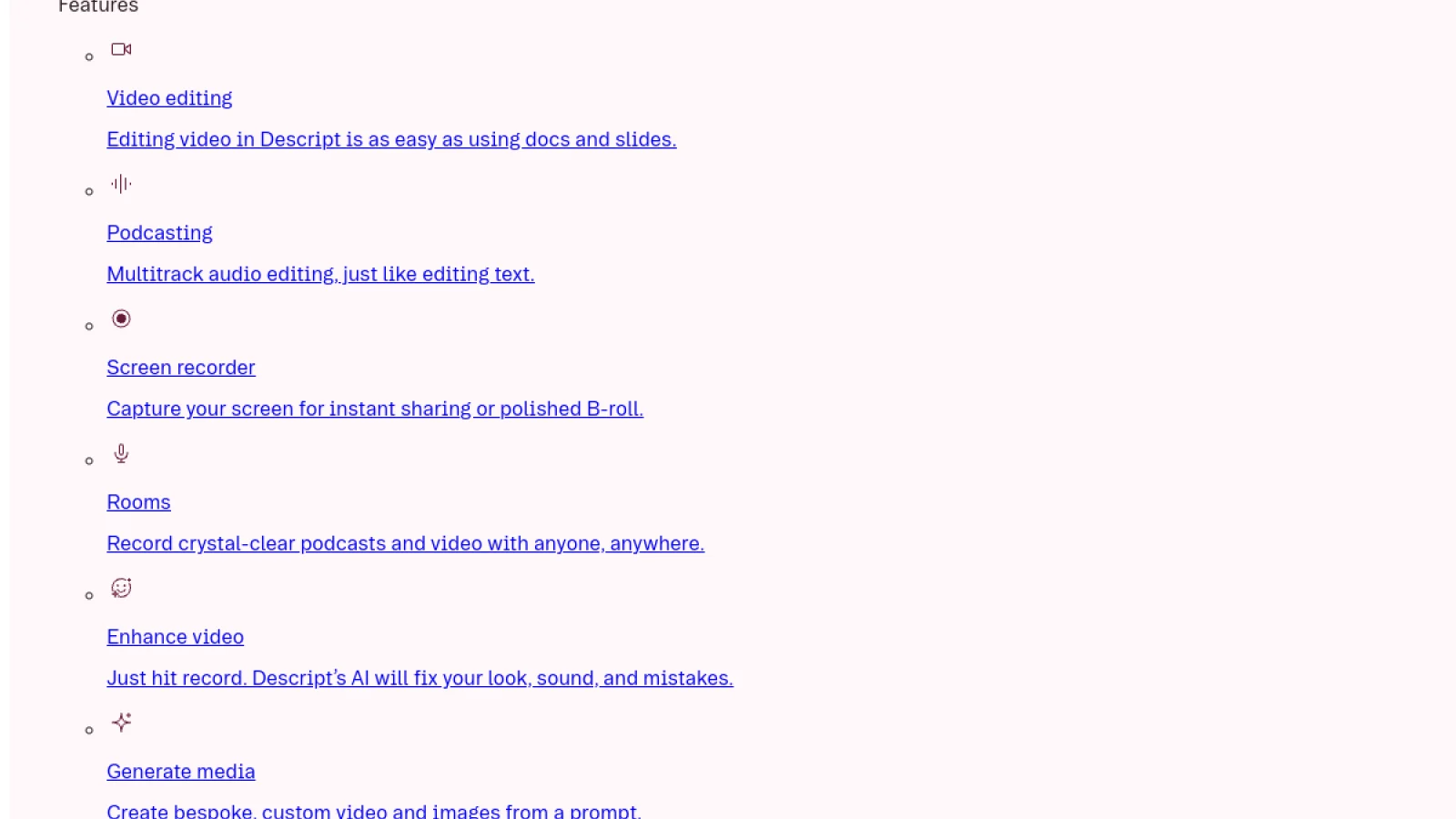
Descript is a stronger choice than a pure clipping tool when you need to edit the source material itself. Its text-based editing lets marketers edit video by editing the transcript. AI tools can remove filler words, improve audio, find clips, generate captions and supporting copy, and assist with more complex edits through its Underlord co-editor.
For social marketers, the important distinction is control. Descript can accelerate the edit without forcing you into a fully automated final result. You can clean a recording, cut a tighter version, create clips, add captions, generate a social description, and still make the final editorial decisions yourself.
Where Descript is strongest
- Transcript-based video and audio editing is fast for marketers who are not traditional editors.
- AI tools include filler-word removal, Studio Sound, clip creation, captions, and content generation.
- Useful for both long-form source content and social derivatives.
- Supports collaborative editing and reusable templates.
- Better than a one-click generator when the content needs careful human editing.
Limitations: Descript has more of an editing learning curve than a one-click clip generator. AI credits and media limits also vary by plan, so heavy video teams should estimate usage before choosing a tier.
Pricing: Descript offers a free plan. Current paid plans include AI credits and higher media limits, with annual pricing varying by tier. Check the current plan page before purchasing because Descript has revised plan names and allowances over time.
8. Later: best for visual planning, captions, and publishing-time decisions
Best for: Instagram- and TikTok-heavy teams that want AI ideas, captions, scheduling, visual planning, and performance guidance in one workflow.
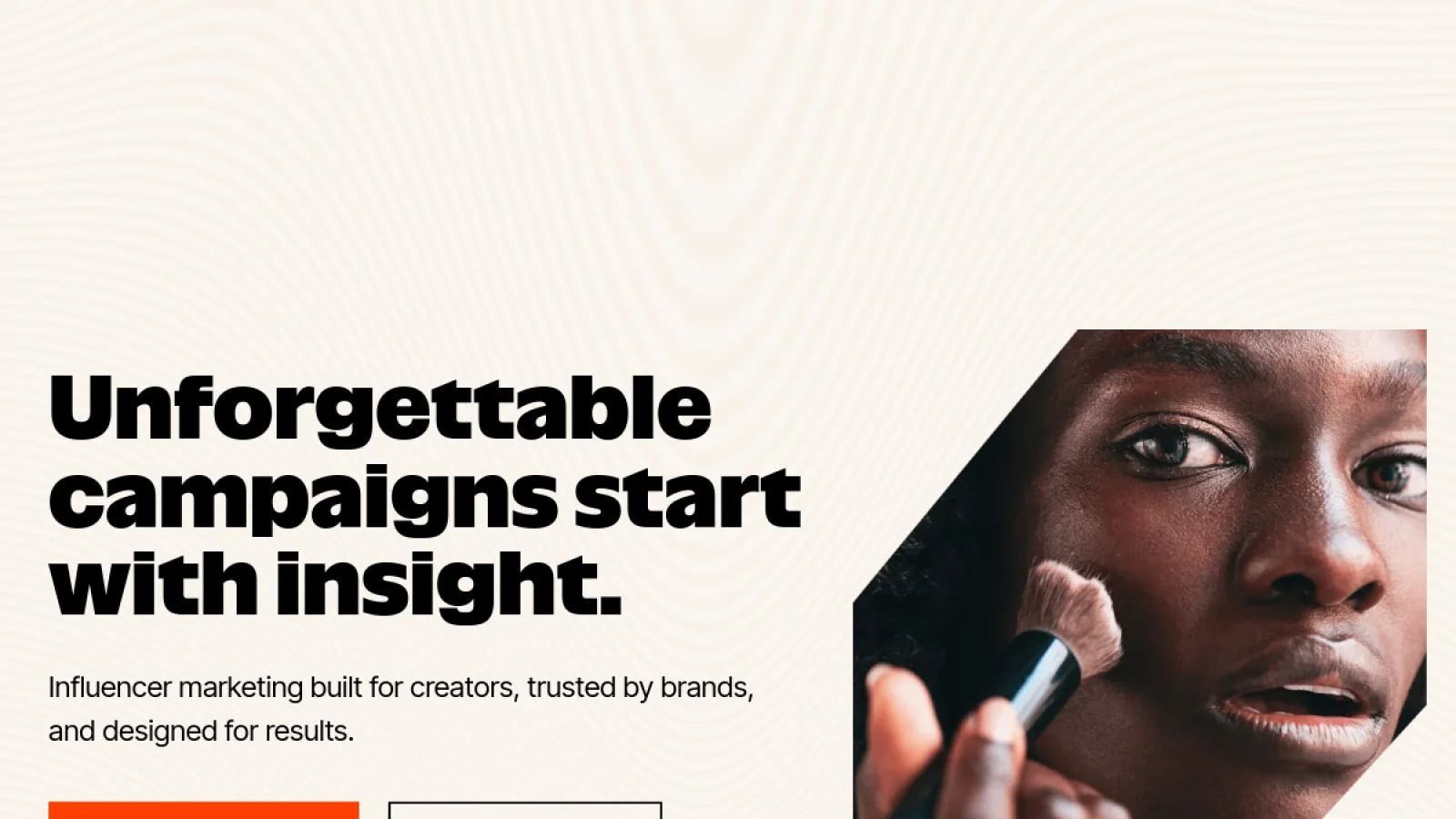
Later is a good example of AI being useful because it sits inside the daily publishing workflow. Its current product includes AI Ideas, Caption Writer, Best Time to Post recommendations, analytics, and newer trend-oriented features. The tool is less about generating every asset automatically and more about removing repeated decisions during planning and publishing.
That can be more valuable than a powerful standalone chatbot. If a social manager already lives in the calendar, having ideation, caption help, timing, approvals, and analytics in the same environment reduces context switching. Later is particularly attractive for visual-first brands, creators, and smaller teams.
Where Later is strongest
- AI Ideas and Caption Writer are built into the social workflow.
- Best Time to Post uses connected-account data instead of generic posting-time advice.
- Strong visual planning for Instagram and other content-heavy channels.
- Higher plans add collaboration, reports, benchmarking, and trend-oriented features.
- Good middle ground between a simple scheduler and an enterprise suite.
Limitations: Later is not as deep as Brandwatch or Sprout Social for enterprise listening and intelligence. AI credits are also limited by plan, so teams generating large volumes of copy may need additional credits or a separate writing workflow.
Pricing: Later currently starts at $18.75 per month billed annually. Growth and Scale plans add more profiles, users, AI credits, reporting, collaboration, and monitoring capabilities.
9. Jasper: best for brand-controlled social copy at scale
Best for: Marketing teams that need many social posts, campaign variants, and ad copy while enforcing brand voice, audience, style, and product knowledge.
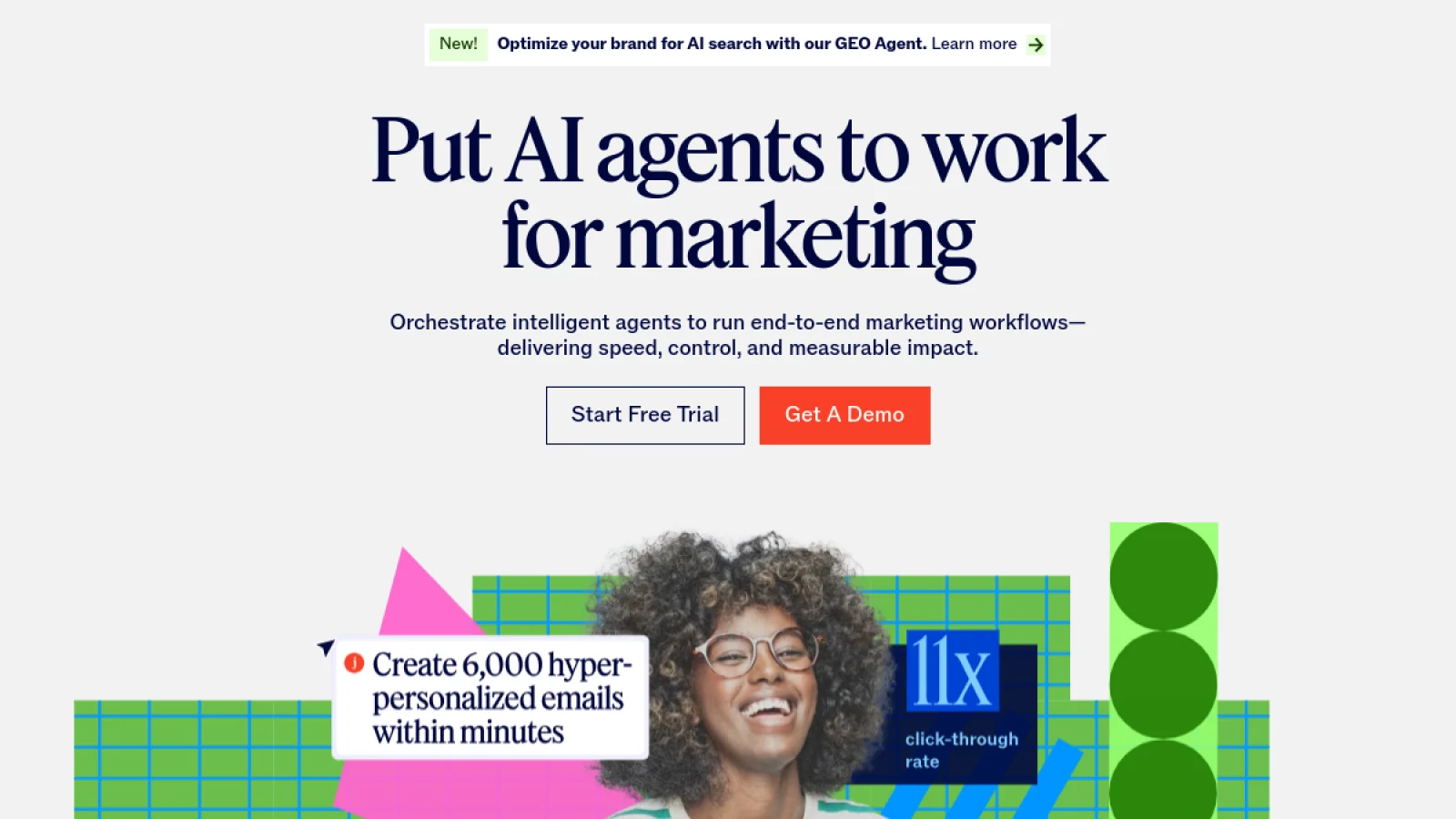
Jasper is not primarily a scheduler or social listening platform. Its value is brand-governed content generation. Jasper IQ can apply brand voice, style guidance, audience profiles, and a knowledge base across outputs, while social-focused agents can generate organic posts, campaign assets, and ad variations for specific networks.
This makes Jasper useful for larger content operations where inconsistency becomes expensive. A team producing hundreds of social variants across brands, regions, or campaigns needs more than a clever prompt. It needs shared context and repeatable rules. Jasper is designed around that governance layer.
Where Jasper is strongest
- Brand Voice and Jasper IQ provide persistent marketing context.
- Social campaign and post agents can create channel-specific variants.
- Useful for organic social, paid social, and broader campaign content.
- Strong fit for multi-person teams where brand consistency needs to scale.
- Can repurpose campaign material across channels without starting from zero each time.
Limitations: Jasper is expensive if the need is only occasional caption writing. It also does not replace a social scheduler, inbox, listening platform, or analytics suite. Most teams should treat it as a brand-aware content layer rather than the entire social stack.
Pricing: Jasper Pro is currently listed at $69 per month per seat, with custom Business pricing for larger teams and advanced workflows.
10. Brandwatch: best for enterprise social listening and consumer intelligence
Best for: Large brands, agencies, research teams, and organizations that need social listening, benchmarking, consumer intelligence, influencer data, and AI-assisted analysis.

Brandwatch belongs on this list for a different reason from Canva or Predis. Its strength is not generating more posts. It is helping teams understand what the market is saying before they decide what to create. Brandwatch combines social media management with deep listening and consumer intelligence, while Iris AI supports writing assistance, conversation summaries, content insights, post analysis, and influencer summaries.
For large organizations, this can make AI more strategic. The value comes from processing large volumes of social and web conversation, identifying themes, comparing performance, and reducing the manual work needed to turn listening data into something a marketing or communications team can act on.
Where Brandwatch is strongest
- Enterprise-grade listening and consumer intelligence.
- Iris AI can summarize conversations and analyze content performance.
- Social media management includes publishing, engagement, measurement, and benchmarking.
- Strong fit for reputation, market research, crisis monitoring, and competitive analysis.
- Can support social strategy with signals that are difficult to collect manually.
Limitations: Brandwatch is overkill for most solo creators and small businesses. Pricing is custom, implementation is more involved, and the platform delivers the most value when teams have enough social volume and research needs to justify an enterprise system.
Pricing: Brandwatch uses custom pricing across Social Media Management, Consumer Intelligence, and Influencer Marketing solutions.
How to choose the right AI tools for your social media stack
The best AI social media stack is built around bottlenecks. Start with the job that repeatedly steals time or limits output. If writing is slow but publishing is organized, buy a writing layer. If you have hours of video but no capacity to turn it into Reels, use a clipping or editing tool. If the team already creates plenty of content but cannot explain why performance changes, invest in analytics and listening instead.
- For a solo creator: Buffer + Canva is often enough. Add OpusClip only if long-form video is part of the content engine.
- For a small business: Buffer or Later for planning and publishing, Canva for creative, and Predis.ai if content production volume is the main constraint.
- For a video-led brand: Descript for source editing, OpusClip for scaled short-form extraction, plus a scheduler such as Buffer, Later, or Hootsuite.
- For a growing marketing team: Hootsuite can consolidate publishing, listening, analytics, inbox, and AI-assisted planning in one environment.
- For an enterprise team: Sprout Social or Brandwatch makes more sense when listening, reporting, customer care, reputation, and governance matter as much as content production.
- For a brand-content team: Jasper can sit above the publishing layer when consistent brand voice and campaign copy are difficult to maintain across people and channels.
If your team is already connecting multiple apps with repetitive handoffs, consider whether the problem should be solved with social media automation rather than adding another isolated AI tool. Automation can connect approvals, asset handoffs, publishing triggers, reports, lead capture, and notifications across the tools you already use.
What social media marketers should automate with AI
AI is strongest when the task is repeatable, high-volume, and easy to review. It is weaker when the task depends on cultural judgment, sensitive context, relationship history, or a decision that can create reputational risk.
| Good AI-assisted tasks | Keep human-led |
|---|---|
| Generate first-draft captions and variations | Final brand voice and editorial approval |
| Repurpose one idea across platforms | Strategic positioning and campaign direction |
| Find clips and remove repetitive editing work | Selecting sensitive, controversial, or culturally loaded angles |
| Summarize reports and identify performance patterns | Deciding which business outcome matters and what action to take |
| Suggest posting times, hooks, hashtags, or topic variations | Building real relationships in comments, DMs, and communities |
| Draft routine replies for review | Handling complaints, crises, legal issues, or high-stakes customer cases |
The same rule applies to content. AI can increase the number of ideas and drafts your team can evaluate, but the audience still experiences the final post as a statement from your brand. Accuracy, originality, tone, and relevance remain your responsibility.
Common mistakes when using AI for social media marketing
- Buying overlapping tools: Three caption generators rarely create three times the value. Map the workflow before buying software.
- Publishing first drafts: AI copy often sounds acceptable before it sounds specific. Add examples, proof, point of view, and brand language.
- Using AI without source material: Give the tool campaign briefs, product facts, audience context, successful examples, and brand guidance instead of asking generic questions.
- Automating community too aggressively: A fast generic reply can damage trust faster than a slower human response.
- Ignoring platform differences: Repurpose the core idea, not the exact same caption, hook, format, and CTA everywhere.
- Optimizing for output instead of outcomes: More posts are not useful if reach, qualified engagement, leads, sales, or retention do not improve.
- Trusting AI analytics without checking the underlying data: Summaries can make reporting faster, but teams should still understand how the metric was calculated and what period or profiles it covers.
AI should strengthen an existing content system, not replace one. Tenfic’s content marketing services approach starts with audience intent, useful content, distribution, and measurement before automation is layered on top.
A simple AI social media workflow that works
- Define the campaign goal, audience, offer, and platform role before opening an AI tool.
- Use listening, analytics, customer questions, or search demand to choose the topic.
- Generate several hooks or creative directions, then select one based on strategy rather than novelty.
- Create the core asset with the appropriate tool: writing, design, video, or a combination.
- Adapt the idea for each platform instead of copying the same post everywhere.
- Run a human review for facts, tone, brand fit, claims, links, accessibility, and platform formatting.
- Schedule or publish through the social management layer.
- Review performance after enough data accumulates, identify the pattern, and feed the learning into the next content cycle.
This turns AI into a feedback loop instead of a content vending machine. If you want to connect these steps across several tools, Tenfic’s broader AI and automation services cover workflow design beyond social publishing alone.
Which AI social media tool is best for you?
Choose Hootsuite if you want the broadest all-in-one social workflow with an AI layer connected to social data. Choose Buffer if simplicity and cost matter more than enterprise depth. Choose Sprout Social when reporting, listening, customer care, and cross-team social intelligence justify a higher budget. Choose Canva when creative production is the bottleneck, Predis.ai when you want AI to generate complete post assets, OpusClip for high-volume short-form repurposing, and Descript when video needs more editorial control. Later is strong for visual planning and publishing decisions, Jasper for governed brand copy at scale, and Brandwatch for enterprise listening and consumer intelligence.
Conclusion
The best AI tools for social media marketing in 2026 do not remove the need for a social strategy. They reduce the time between insight, creation, review, publishing, and learning. The highest-value tool is usually the one that removes a real bottleneck while keeping your team in control of the final decision.
Start with one problem. Measure how much time, output, or decision quality improves. Only add another AI tool when the next bottleneck is clear. That approach produces a smaller stack, cleaner workflows, and more useful social content than collecting software because every platform now has an AI button.
Frequently asked questions
What is the best AI tool for social media marketing in 2026?
Hootsuite Wisdom is the strongest all-in-one choice in this comparison because it connects AI to publishing, listening, analytics, engagement, and social workflow data. Smaller teams may get better value from Buffer or Later.
What is the best free AI tool for social media?
Buffer includes its AI Assistant on the free plan and supports up to three channels. Canva also has a useful free tier for creative production, while OpusClip and Descript offer free plans for limited video workflows.
Can AI manage social media automatically?
AI can automate parts of planning, drafting, repurposing, scheduling, reporting, and routine response workflows. It should not be given unchecked control over public posts, customer complaints, sensitive topics, or strategic brand decisions.
What is the best AI tool for Instagram content?
Later is strong for Instagram-heavy planning, captions, timing, analytics, and visual workflows. Canva is better when the main need is design, while Predis.ai is useful when you want AI to generate both copy and creative assets.
What is the best AI tool for social media videos?
OpusClip is best when you already have long-form video and need short clips. Descript is better when you need deeper editing, audio cleanup, transcript-based edits, and more control over the finished video.
Can AI tools improve social media engagement?
They can improve the workflow behind engagement by helping teams create more relevant variations, publish at better times, analyze patterns, and respond faster. Engagement still depends on the usefulness of the content and the quality of the human relationship with the audience.
Do AI social media tools replace social media managers?
No. They are strongest at repeatable production and analysis tasks. Strategy, positioning, creative judgment, brand voice, cultural context, community relationships, and final accountability still require people.
How many AI tools does a social media team need?
Most teams can start with two or three: a social management platform, a creative or video tool, and one specialist tool for the biggest remaining bottleneck. Add software only when it replaces measurable manual work or improves decision quality.