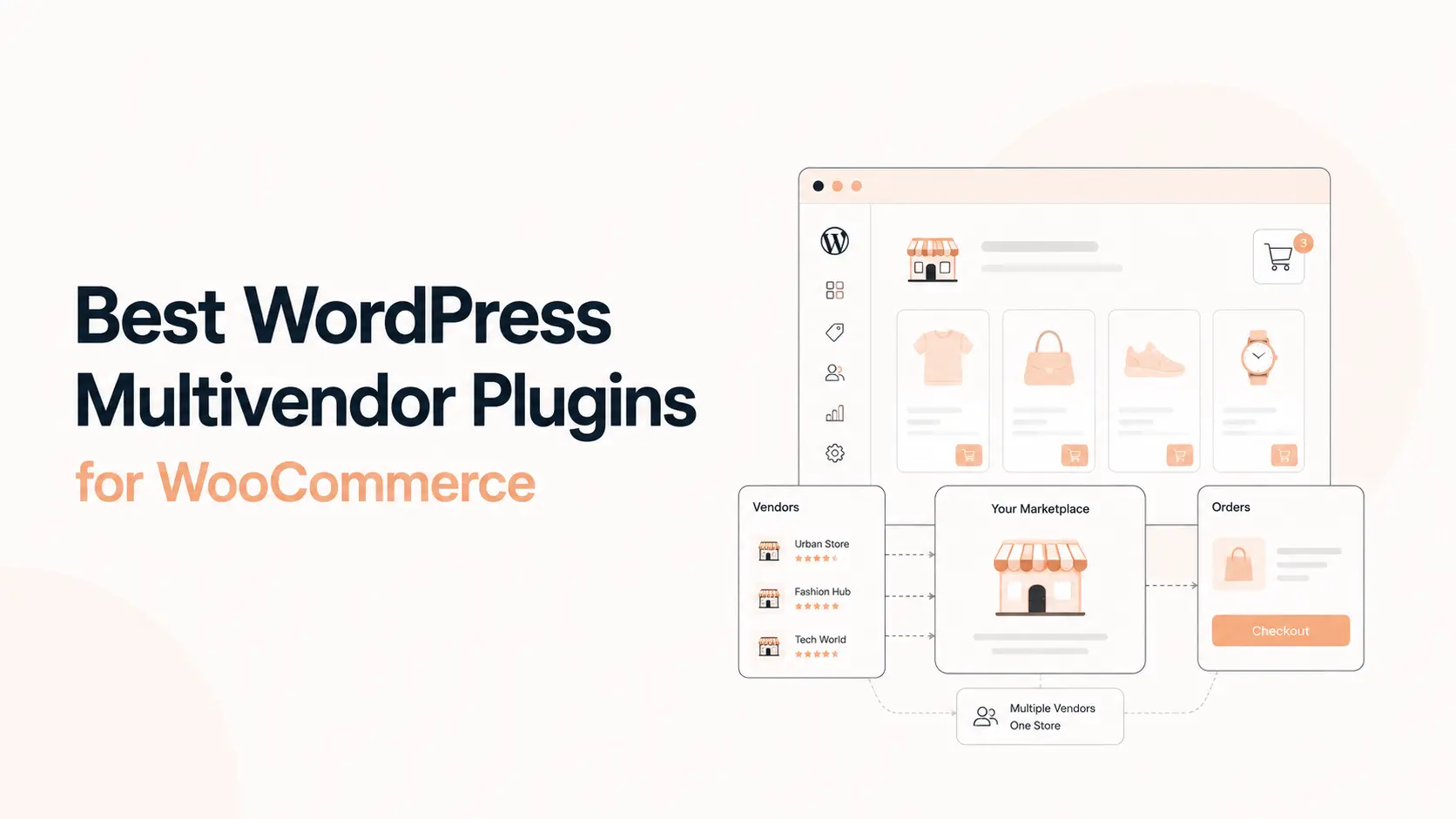


A WooCommerce multivendor plugin turns a standard WordPress store into a marketplace where multiple sellers can register, add products, manage orders, and earn their share of each sale. The difficult part is not adding vendors. It is choosing a marketplace system that can handle commissions, payouts, shipping, refunds, product permissions, vendor dashboards, and growth without creating constant admin work.
This comparison covers five of the best WordPress multivendor plugins for WooCommerce in 2026: Dokan, WCFM Marketplace, MultiVendorX, WC Vendors, and YITH WooCommerce Multi Vendor. Each can build a real marketplace, but they suit different operating models.
If you are still deciding whether WooCommerce is the right foundation, read our WordPress vs Shopify vs Webflow comparison. If WooCommerce is already your choice and you need a custom marketplace build, Tenfic also provides WooCommerce development services.
TL;DR: Dokan is the strongest all-round choice for most WooCommerce marketplace projects. WCFM Marketplace offers a very feature-rich free core and deep vendor controls. MultiVendorX is strong for marketplace operations, memberships, and flexible business models. WC Vendors is a solid choice for commission and shipping control. YITH WooCommerce Multi Vendor fits best when your store already relies on the YITH plugin ecosystem.
- Best overall: Dokan
- Best feature-rich free core: WCFM Marketplace
- Best for marketplace operations and flexible models: MultiVendorX
- Best for commissions and shipping control: WC Vendors
- Best for YITH-based WooCommerce stores: YITH WooCommerce Multi Vendor
Best WordPress multivendor plugins compared
| Rank | Plugin | Best for | Free version | Main strength |
|---|---|---|---|---|
| 1 | Dokan | Most WooCommerce marketplaces | Yes | Polished vendor experience and broad marketplace ecosystem |
| 2 | WCFM Marketplace | Feature-heavy marketplaces and technical teams | Yes | Deep free features, commissions, withdrawals, shipping, vendor tools |
| 3 | MultiVendorX | Flexible marketplace business models | Yes | Commission rules, memberships, vendor operations, marketplace modules |
| 4 | WC Vendors | Commission and shipping-focused marketplaces | Yes | Flexible commissions, vendor stores, shipping and modular extensions |
| 5 | YITH WooCommerce Multi Vendor | Stores already using YITH products | No current free core | Vendor permissions, commissions and tight YITH ecosystem integration |
The table is a starting point, not a substitute for testing. A booking marketplace, physical-goods marketplace, digital-product marketplace, and local service marketplace can need very different vendor permissions and payout flows.
How we compared these WooCommerce multivendor plugins
A multivendor marketplace plugin should be evaluated as an operating system for sellers, not just as a collection of WooCommerce screens. We focused on the parts that affect daily marketplace management and long-term maintenance.
- Vendor onboarding: registration, approval, store setup, permissions, and seller experience.
- Frontend dashboard: whether vendors can manage products, orders, coupons, shipping, and store settings without wp-admin.
- Commission control: global, vendor, product, category, fixed, percentage, and tiered commission options where available.
- Payouts and withdrawals: manual withdrawals, scheduled payouts, gateway support, and split-payment options.
- Product and order management: variable products, inventory, refunds, order status, coupons, and product approval.
- Shipping and logistics: vendor shipping zones, rates, tracking, local delivery, and marketplace-level control.
- Marketplace extensions: subscriptions, bookings, auctions, memberships, geolocation, staff, SEO, analytics, and integrations.
- Admin workload: how much manual work remains after the marketplace starts receiving real orders and vendors.
We also checked current official product pages, documentation, and WordPress.org listings. Features can move between free and paid plans, so verify the current plan before buying a license for a specific module.
1. Dokan: best overall WordPress multivendor plugin

Dokan is the most balanced WooCommerce multivendor plugin for marketplace owners who want a mature seller experience without piecing together too many separate systems. The free version covers the marketplace foundation, while Dokan Pro expands the platform with more advanced seller, payment, shipping, marketing, and customer-service modules.
Vendors get independent storefronts and a frontend dashboard where they can manage products and orders. Dokan supports multiple commission models and gives the marketplace owner control over vendor capabilities. Its current feature set also includes bulk product editing, withdrawals, vendor order management, shipping status, coupons, marketplace reports, and seller-facing store controls.
Dokan becomes more compelling when the marketplace needs features beyond basic product selling. Depending on the plan and modules, the ecosystem covers geolocation, returns and warranty requests, product enquiries, store following, subscriptions, bookings, staff management, product advertising, automatic withdrawal disbursement, and other marketplace-specific workflows.
Why Dokan ranks first
The main advantage is balance. The vendor dashboard is approachable, the admin has strong marketplace controls, and the ecosystem is large enough to support many common marketplace models. That makes Dokan easier to recommend for a new project where requirements may expand after launch.
- Frontend vendor dashboard and independent store pages
- Global and more granular commission controls
- Vendor product and order management
- Coupons, withdrawals, reports, and seller announcements
- Modules for geolocation, RMA, subscriptions, bookings, staff, and other marketplace needs
- Large WordPress user base and active development
Where Dokan can be less ideal
Advanced marketplace features are spread across paid plans and modules, so the total license cost can rise as requirements grow. A heavily customized Dokan marketplace also needs careful development discipline because marketplace logic touches checkout, orders, vendor permissions, commissions, and payouts at the same time.
Best for: businesses that want a polished general-purpose WooCommerce marketplace and expect to add more marketplace features over time.
2. WCFM Marketplace: best feature-rich free multivendor core

WCFM Marketplace is a strong choice when feature depth matters more than having the simplest setup. Its free marketplace stack includes a frontend vendor-management system and a surprisingly broad set of marketplace functions. The current WordPress.org listing highlights frontend vendor dashboards, flexible commissions, automated split-payment options, vendor shipping, refunds, seller verification, store reviews, store hours, live chat, support tickets, and single-product multi-vendor offers.
Commission and withdrawal controls are one of WCFM Marketplace’s strongest areas. Admins can configure global rules and override them for individual vendors. The documentation also supports category-level commission rules. Withdrawal modes include manual requests, periodic withdrawals, and order-status-based disbursement.
WCFM also goes deep on vendor logistics. Sellers can work with zone, country, weight, and distance-based shipping configurations. Marketplace modules cover refund handling, invoices, packing slips, store policies, support, verification, store SEO, reviews, and local vendor discovery.
Why choose WCFM Marketplace
- Very feature-rich free marketplace foundation
- Strong commission and withdrawal configuration
- Frontend vendor management
- Advanced shipping and refund options
- Single Product Multi-Vendor for multiple sellers offering the same product
- REST API and a broad WooCommerce integration ecosystem
WCFM Marketplace trade-offs
The same depth that makes WCFM powerful can make configuration slower. There are many settings, companion plugins, and optional premium add-ons. Marketplace owners should document which modules are actually required and disable unnecessary functionality rather than treating every available feature as mandatory.
Best for: technical teams, agencies, and marketplace owners who want deep WooCommerce marketplace controls and are comfortable configuring a larger feature set.
3. MultiVendorX: best for flexible marketplace operations
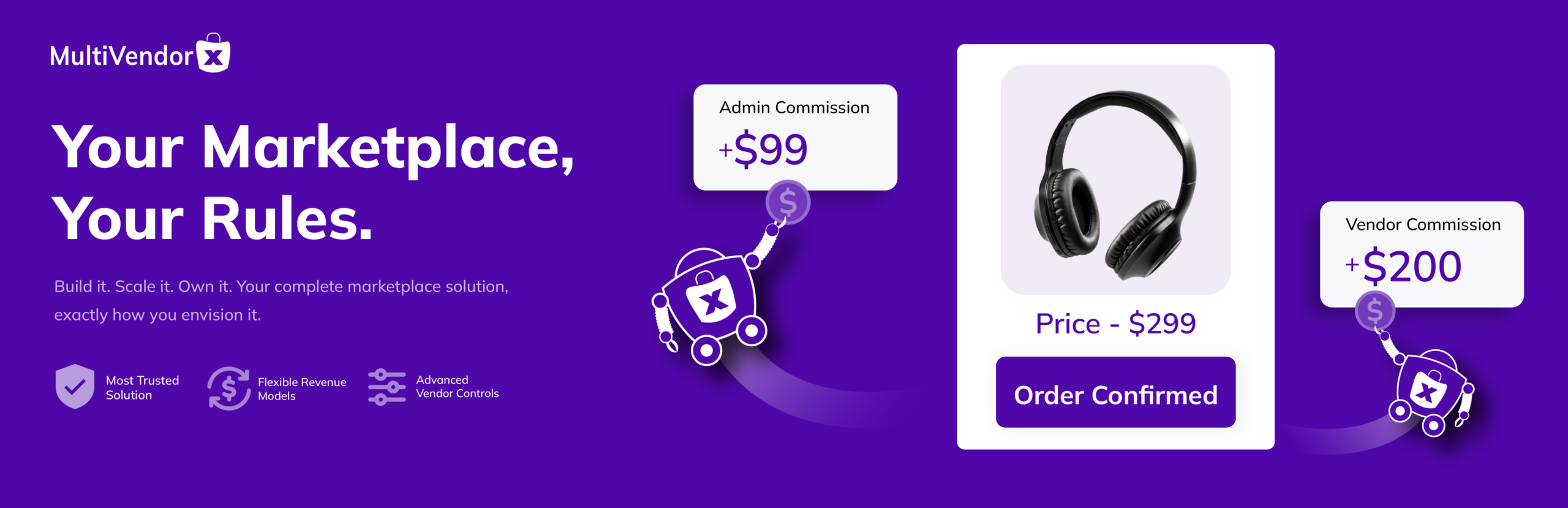
MultiVendorX is built around the operational side of running a WooCommerce marketplace. The free version includes vendor registration, several commission structures, shipping controls, product management, coupons, payment-gateway compatibility, vendor dashboards, refund handling, and Single Product Multiple Vendors.
Its commission system supports product, category, and vendor-level rules with fixed, percentage, and combined calculation options. Shipping can be configured by zone, country, distance, and other rules depending on the module. MultiVendorX also supports marketplace models beyond basic physical products, with its paid ecosystem extending into subscriptions, rentals, bookings, auctions, memberships, and other product types.
The Pro stack is particularly relevant for marketplaces that want to monetize sellers through membership plans. MultiVendorX documents plan-based restrictions, recurring vendor subscriptions, advanced product management, real-time vendor payments, analytics, store SEO, vendor verification, inventory controls, business hours, and staff management.
Why choose MultiVendorX
- Flexible commission structures
- Vendor registration and operational controls
- Support for Single Product Multiple Vendors
- Strong membership and seller-plan options in Pro
- Modules for several marketplace business models
- Integrations with WooCommerce extensions, Elementor, WPML, Rank Math, and other WordPress tools
MultiVendorX trade-offs
The product is modular, so you need to map the exact marketplace requirements against the free and Pro feature sets before launch. Some important capabilities, including certain product types, analytics, import/export, inventory, and real-time payout features, depend on paid modules or plans.
Best for: marketplaces that need seller memberships, varied marketplace models, and more granular operational controls.
4. WC Vendors: best for commission and shipping-focused marketplaces
WC Vendors has been part of the WooCommerce multivendor ecosystem for years and keeps a straightforward core: vendors sign up, receive their own stores, add products, manage sales, and earn commissions. The free plugin supports a basic marketplace, while WC Vendors Pro and its extensions expand vendor dashboards, commission models, shipping, memberships, Stripe payments, bookings, subscriptions, and auctions.
Commission flexibility is a notable strength. The free core supports percentage commissions, while Pro adds fixed, percentage-plus-fee, fixed-plus-fee, sales-based, product-based, and other commission rules. That makes WC Vendors useful when marketplace revenue depends on more than one simple percentage.
The Pro frontend dashboard lets sellers manage products, orders, discounts, and storefront information without relying on the WordPress backend. WC Vendors also emphasizes vendor-controlled shipping, including more advanced shipping setups in Pro.
Why choose WC Vendors
- Clear free-to-Pro upgrade path
- Flexible commission structures
- Individual vendor storefronts
- Frontend product and order management in Pro
- Strong shipping focus
- Add-ons for memberships, bookings, subscriptions, auctions, and Stripe
WC Vendors trade-offs
Marketplace functionality is spread across Pro and separate add-ons. If your project needs a broad collection of advanced features such as built-in support tickets, seller verification, geolocation, analytics, or complex membership restrictions, compare the complete stack rather than the free plugin alone.
Best for: WooCommerce marketplaces where commissions, seller shipping, and a modular extension model matter more than having every marketplace feature in one suite.
5. YITH WooCommerce Multi Vendor: best for the YITH ecosystem
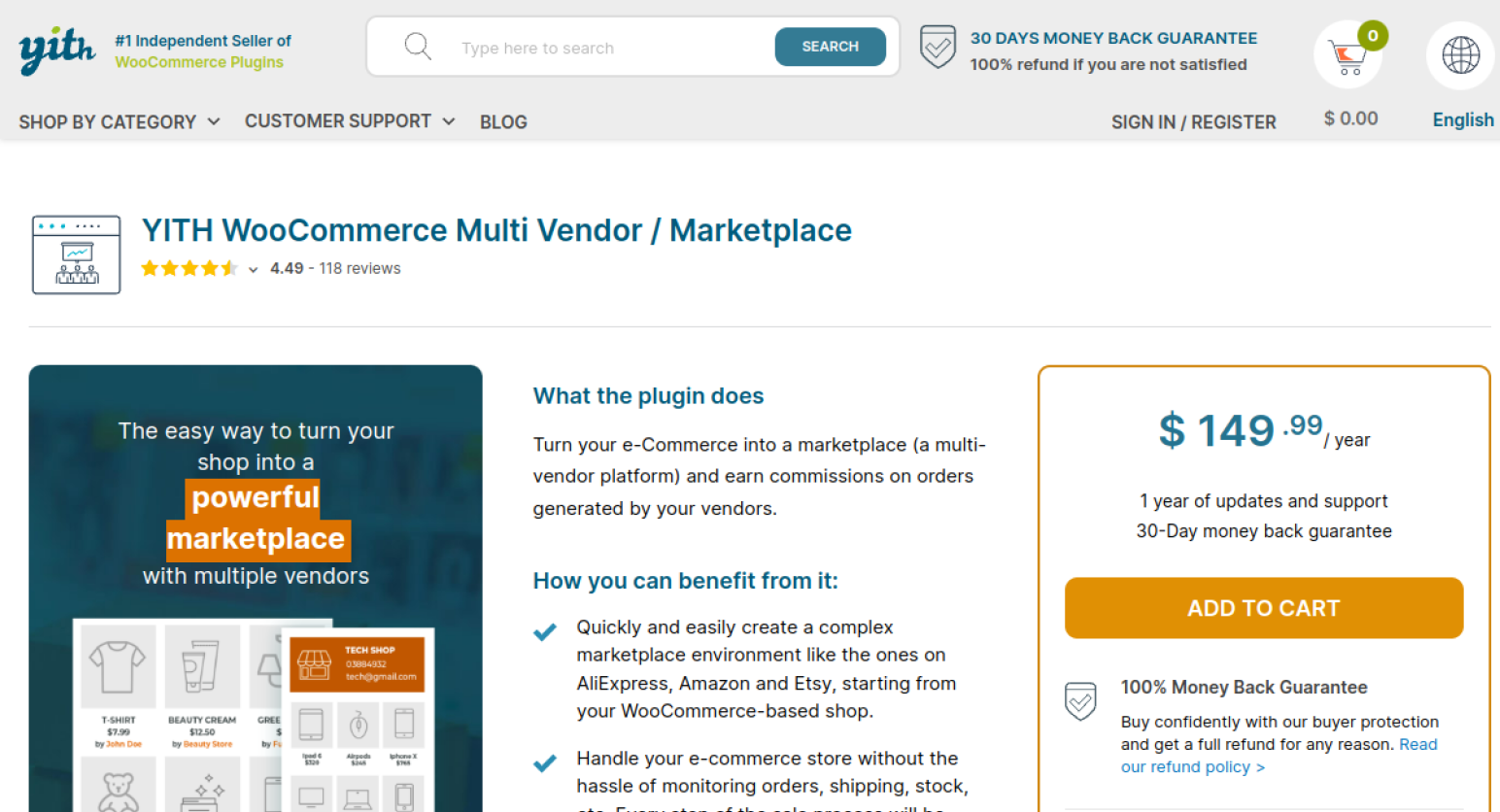
YITH WooCommerce Multi Vendor is a premium marketplace plugin built for stores that want vendor management tightly connected to the wider YITH WooCommerce ecosystem. It supports vendor registration, seller permissions, store pages, commissions, order controls, vendor shipping, reports, vacations, staff permissions, and marketplace administration.
Admins can set global vendor commissions and override the commission for individual vendors. Vendor payouts can be handled manually, while automatic payout workflows can be built through compatible YITH payment products such as PayPal Payouts or Stripe Connect integrations.
YITH gives the admin detailed control over what sellers can do. You can control product publishing, coupons, reviews, refunds, order data access, shipping, and staff permissions. The plugin also includes vendor registration fees, store vacation controls, seller reports, announcements, custom vendor-store layouts, and an admin dashboard for commissions and marketplace earnings.
Why choose YITH Multi Vendor
- Detailed vendor permissions
- Commission and vendor-payout workflows
- Vendor shipping, vacations, reports, and staff controls
- Registration-fee support
- Strong compatibility with other YITH WooCommerce plugins
- Useful option for stores already standardized on YITH products
YITH Multi Vendor trade-offs
YITH is less attractive if you want a broad free multivendor foundation. Some of the most useful marketplace experiences rely on additional YITH plugins, such as YITH Frontend Manager or payment-related integrations. That can be a strength for an existing YITH stack but adds cost and dependencies for a new marketplace.
Best for: WooCommerce businesses already using YITH products or teams that prefer a tightly integrated suite from one vendor.
Dokan vs WCFM vs MultiVendorX: which one should you pick?
These three are the closest choices when someone asks for the best WooCommerce multivendor plugin. The decision usually comes down to the type of marketplace team you have.
- Choose Dokan if you want the safest all-round recommendation, a polished seller experience, and a large marketplace ecosystem.
- Choose WCFM Marketplace if you want a deep free core, extensive operational controls, and do not mind a more complex configuration.
- Choose MultiVendorX if seller memberships, marketplace business models, granular commissions, and modular marketplace operations are central to the project.
For a custom marketplace, plugin choice should happen after the business rules are documented. Rebuilding commission or payout logic after vendors are active is far more expensive than choosing the right architecture before launch.
Features every WooCommerce multivendor marketplace should plan before launch
The plugin matters, but the marketplace rules matter more. Before installing a multivendor plugin, write down how each of these processes should work.
Vendor onboarding and approval
Decide whether anyone can become a seller, whether vendors need manual approval, what information they must submit, and whether your marketplace needs identity or business verification. Define product-publishing rules at the same time.
Commission and payout rules
Choose who collects the customer payment, how the marketplace calculates its commission, when vendor earnings become withdrawable, how refunds affect commissions, and what happens when an order contains products from multiple sellers.
Shipping, tax, and refunds
A marketplace adds another operational layer to normal WooCommerce shipping. Decide whether vendors set their own rates, whether the marketplace provides shipping rules, how split shipments work, who handles returns, and who is responsible for taxes in each market where you operate.
Vendor permissions
Do not give vendors every WooCommerce capability by default. Decide whether sellers can publish without review, create coupons, manage refunds, see customer details, change order statuses, add staff, or create specific product types.
Marketplace automation
Once orders grow, manual vendor operations become expensive. Common workflows include seller approval, payout reminders, order routing, inventory alerts, refund notifications, low-stock alerts, and scheduled marketplace reports. Tenfic covers these types of workflows through WooCommerce automation. You can also see practical patterns in our guide to WordPress automation ideas.
Performance and scaling
A multivendor store creates more products, users, orders, queries, background jobs, emails, and dashboard requests than a typical WooCommerce shop. Test vendor dashboards and checkout under realistic data volumes. Good hosting and caching help, but marketplace code and database behavior still need attention.
How to choose the best WordPress multivendor plugin
- List the marketplace business model: physical products, digital goods, services, bookings, rentals, subscriptions, or mixed inventory.
- Write down the commission and payout rules before comparing plugin features.
- Create a vendor-permissions matrix covering products, orders, coupons, refunds, customer data, shipping, and staff access.
- Check every required product type and WooCommerce extension for compatibility.
- Test the vendor dashboard on desktop and mobile with real workflows.
- Build a refund and failed-payment scenario before launch.
- Estimate the full plugin stack cost, not only the base license.
- Test updates and customizations on staging before changing a live marketplace.
If the marketplace requires unusual commission logic, custom vendor onboarding, external ERP/CRM connections, or a custom checkout flow, factor development work into the decision from the beginning. A plugin can provide the marketplace framework while custom code handles the business rules that make your model different.
Conclusion
For most WooCommerce marketplace projects, Dokan is the best overall WordPress multivendor plugin because it combines a polished vendor experience, a broad marketplace feature set, and a mature ecosystem. WCFM Marketplace is the strongest option when you want extensive functionality from the free core and are comfortable with more configuration. MultiVendorX is especially useful for membership-driven marketplaces and businesses that need flexible marketplace operations.
WC Vendors remains a dependable choice for marketplaces centered on commission and shipping controls, while YITH WooCommerce Multi Vendor makes the most sense when the store already depends on YITH WooCommerce products.
Do not choose solely from a feature checklist. Map the vendor journey from registration to payout, test the workflows that can lose money or create support tickets, and select the plugin that leaves the fewest critical processes dependent on manual work.
Frequently asked questions
What is the best WordPress multivendor plugin?
Dokan is the best overall choice for most WooCommerce multivendor marketplaces because it combines a polished frontend vendor experience with broad marketplace features and a large ecosystem. WCFM Marketplace can be a better fit when deep free features and granular configuration matter more.
Can I build a WooCommerce multivendor marketplace for free?
Yes. Dokan Lite, WCFM Marketplace, MultiVendorX, and WC Vendors all provide free marketplace foundations. A production marketplace often needs paid features for advanced commissions, payouts, shipping, bookings, subscriptions, analytics, memberships, or vendor management.
Does WooCommerce support multiple vendors by itself?
No. WooCommerce is designed around a single store owner. A multivendor plugin adds vendor registration, seller dashboards, storefronts, commissions, payout logic, permissions, and vendor-level order or product management.
Is Dokan better than WCFM Marketplace?
Dokan is generally easier to recommend for a polished all-round marketplace and a straightforward vendor experience. WCFM Marketplace offers very deep marketplace controls and a feature-rich free stack, but it can require more setup and configuration.
Can vendors manage products without accessing WordPress admin?
Yes. The leading multivendor plugins provide frontend vendor-management interfaces. The exact product, order, coupon, shipping, refund, and reporting features depend on the plugin and plan.
Which multivendor plugin is best for bookings or subscriptions?
Dokan, MultiVendorX, WC Vendors, WCFM, and YITH can all support more specialized marketplace models through their own modules or compatible WooCommerce extensions. Check the exact booking or subscription extension you plan to use before selecting the marketplace plugin.
Can a WooCommerce marketplace automate vendor payouts?
Yes, depending on the plugin, gateway, and configuration. Some systems support scheduled withdrawals or split-payment gateways, while others rely on payment integrations or manual payouts. Always test refunds, failed payments, and multi-vendor orders before enabling automated payouts.