


Choosing the best WordPress SEO plugin is less about finding the plugin with the longest feature list and more about choosing the one that fits how you actually manage SEO. A content-heavy site may care about editorial guidance and internal links. A WooCommerce store may need product schema, redirects, and local or ecommerce controls. An agency may care more about white-labeling, bulk management, and multi-site pricing.
This guide compares five of the strongest WordPress SEO plugins in 2026: Rank Math, Yoast SEO, All in One SEO, SEOPress, and The SEO Framework. Each one can handle the basic technical SEO layer, but they differ significantly in workflow, pricing, automation, schema, reporting, and how much control they expose inside WordPress.
If you are optimizing an existing site, pair the plugin choice with a proper WordPress SEO strategy. An SEO plugin can manage metadata, sitemaps, schema, redirects, and editor guidance, but it cannot fix weak site architecture, thin content, poor internal linking, or technical problems on its own.
Quick answer: Rank Math is the best overall choice for users who want a broad feature set in one plugin. Yoast SEO is strongest for structured editorial workflows. AIOSEO suits businesses that want guided setup and packaged SEO tools. SEOPress offers excellent value, especially for agencies. The SEO Framework is the best fit when you want a lighter, quieter SEO plugin.
- Best overall: Rank Math
- Best for content and editorial teams: Yoast SEO
- Best for small businesses and WooCommerce: AIOSEO
- Best value for agencies and white label: SEOPress
- Best lightweight option: The SEO Framework
Quick pricing comparison of the best WordPress SEO plugins
| Rank | Plugin | Best for | Free version | Premium starting price |
|---|---|---|---|---|
| 1 | Rank Math | Best overall WordPress SEO plugin | Yes | About $95.88/year for PRO |
| 2 | Yoast SEO | Editorial teams and content guidance | Yes | $118.80/year |
| 3 | All in One SEO (AIOSEO) | Small businesses and WooCommerce | Yes | $49.50 first year; renews at regular price |
| 4 | SEOPress | Agencies, white label, and value | Yes | $49/year for 1 site |
| 5 | The SEO Framework | Lightweight SEO with fewer distractions | Yes | $7/month billed yearly |
Pricing checked against the official plugin websites in August 2026. Taxes, regional currency, promotions, introductory discounts, and renewal pricing can change, so confirm the current price before purchasing.
How we compared these WordPress SEO plugins
Every plugin in this list can create search-friendly metadata and XML sitemaps. That baseline is not enough to separate the best WordPress SEO plugins, so the comparison focuses on the features that change day-to-day SEO work.
- On-page SEO workflow: how useful the editor guidance is without becoming distracting.
- Technical SEO controls: indexation, canonicals, sitemaps, breadcrumbs, robots directives, redirects, and 404 handling.
- Schema: how easily structured data can be added and customized.
- Analytics and reporting: whether useful Search Console, rank tracking, audit, or performance data is available inside WordPress.
- WooCommerce and local SEO: whether the plugin can handle product, store, and business-specific search requirements.
- Internal linking: tools that help discover orphan content and create stronger site structure.
- Performance and usability: how much interface and functionality the plugin adds compared with the control it gives you.
- Pricing: what a typical single-site user, business, or agency gets for the money.
No SEO score inside WordPress guarantees rankings. Treat plugin recommendations as implementation guidance, not a substitute for keyword research, useful content, links, crawlability, and technical SEO.
1. Rank Math: best overall WordPress SEO plugin
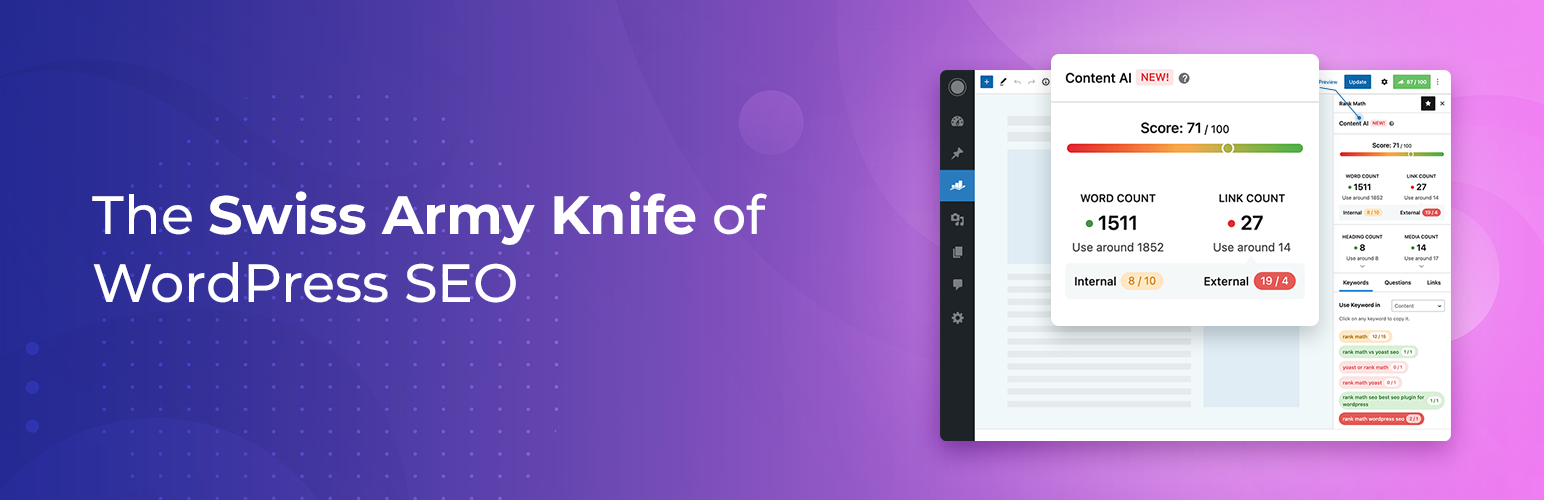
Rank Math is the strongest all-round choice for users who want a large part of their SEO workflow inside one WordPress plugin. Its free version already covers on-page optimization, XML sitemaps, schema, indexation controls, Search Console and Analytics connections, and a modular setup where you can enable only the features you need.
The paid plans expand the plugin into a broader SEO operations layer. Rank Math PRO includes advanced rank tracking, more detailed analytics, advanced schema tools, image SEO, WooCommerce SEO, local SEO, news and video sitemaps, reporting, and deeper content performance data. Its current pricing page also includes newer tools around broken links and automated internal linking.
The main reason Rank Math ranks first is not that every site needs all of those modules. It is that users can cover metadata, schema, redirects, sitemaps, content optimization, analytics, and several specialized SEO tasks without combining many separate plugins.
Best for: bloggers, publishers, businesses, WooCommerce stores, and SEO professionals who want a feature-rich WordPress SEO plugin with strong free and paid versions.
Pros:
- Strong free version with broad SEO controls.
- Modular architecture lets you disable features you do not use.
- Advanced schema generator in PRO with custom schema support.
- Built-in rank tracking and SEO analytics in paid plans.
- Good WooCommerce, local, image, news, and video SEO coverage.
- Useful import tools when migrating from another SEO plugin.
Cons:
- The number of modules and settings can feel heavy for a very simple website.
- Some of the most useful reporting, tracking, schema, and WooCommerce features require PRO.
- Users can spend too much time chasing plugin scores instead of fixing search intent or content quality.
Pricing: Rank Math has a free version. The current PRO plan is around $95.88 per year for personal websites, with Business and Agency plans for client work. Pricing can appear in local currency on the official checkout.
2. Yoast SEO: best for editorial teams and content guidance
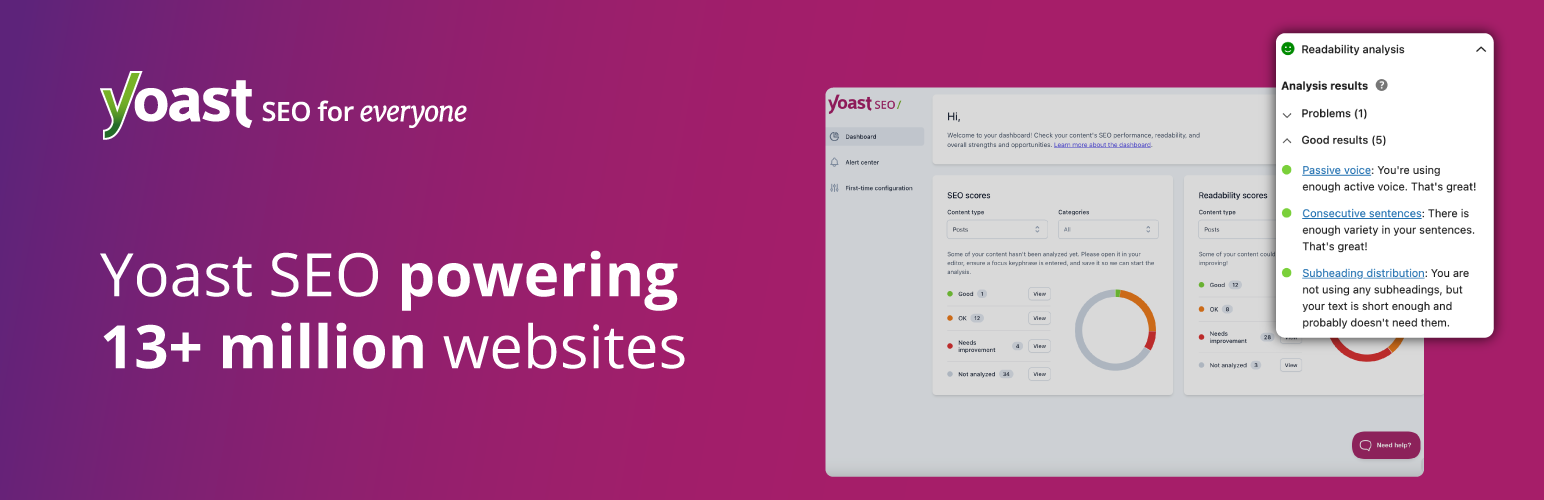
Yoast SEO remains one of the easiest WordPress SEO plugins to introduce across a writing or editorial team. Its strongest advantage is not raw feature count. It is the way the plugin turns SEO and readability checks into a consistent publishing workflow that non-specialists can understand.
The free plugin handles core technical SEO, XML sitemaps, indexing controls, schema, title and meta description editing, readability checks, and on-page SEO analysis. Yoast says its current free plugin generates and maintains more than 50 schema types while integrating closely with WordPress and Gutenberg.
Yoast SEO Premium adds internal linking suggestions, redirect management, optimization for multiple related keyphrases, AI-assisted title and meta description generation, social previews, 24/7 support, and access to Yoast SEO Academy. The current Premium package also includes Local SEO, Video SEO, and News SEO.
Best for: content teams, editors, businesses with several writers, and site owners who prefer clear SEO guidance over a dense technical control panel.
Pros:
- Very mature editorial and on-page SEO workflow.
- Readability analysis is useful for teams that need consistent publishing standards.
- Strong schema implementation with automatic technical handling.
- Premium includes redirects and internal linking suggestions.
- Local, News, and Video SEO are now included with Premium.
- Large documentation and training ecosystem.
Cons:
- Premium is relatively expensive for a single site compared with several competitors.
- Some users may find the traffic-light style checks too prescriptive if followed mechanically.
- Several workflow conveniences are reserved for Premium.
Pricing: Yoast SEO is free. Yoast SEO Premium currently costs $118.80 per year for one site, excluding VAT.
3. All in One SEO (AIOSEO): best for small businesses and WooCommerce
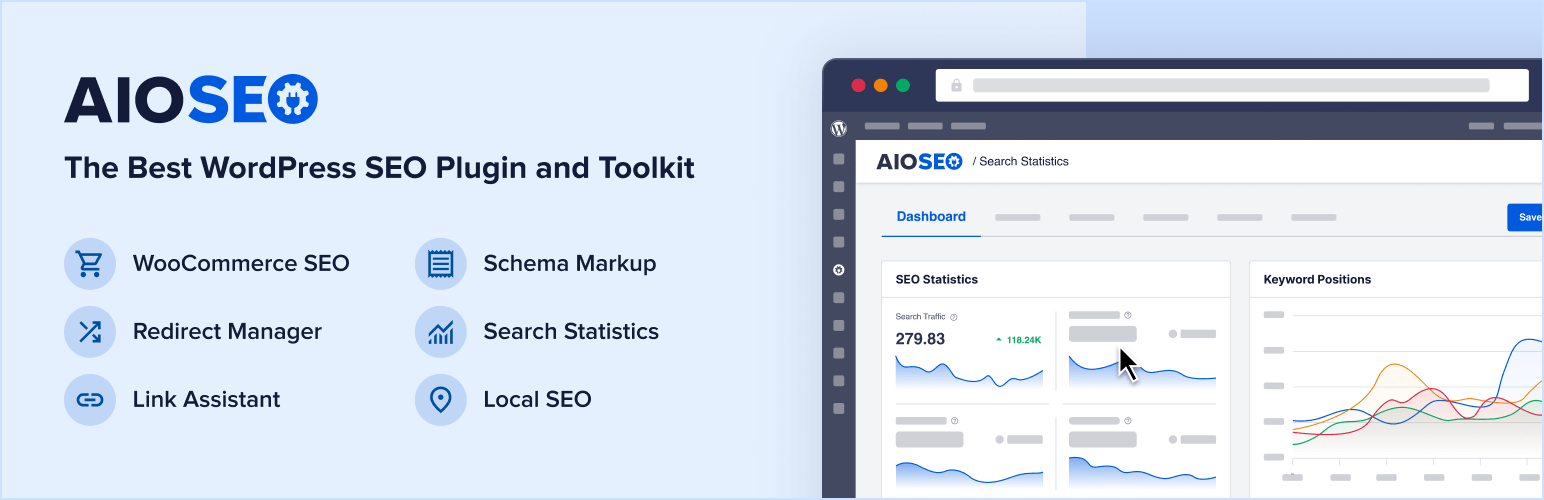
All in One SEO combines guided setup with a broad set of technical and business-focused SEO tools. It is particularly useful for site owners who want an interface that explains what to configure instead of exposing every technical option at once.
The free version includes core metadata controls, XML sitemaps, TruSEO content analysis, and site-audit features. The paid plans add more advanced schema, WooCommerce SEO, local SEO, redirects and 404 tools, internal linking assistance, SEO revisions, additional sitemap types, author SEO, image SEO, and broader reporting depending on the plan.
AIOSEO is also a practical choice for growing businesses because the pricing tiers map to common site counts: one site, three sites, ten sites, and larger agency use. The trade-off is that important features are distributed across those tiers, so you need to check which plan actually contains the modules you need.
Best for: small businesses, service websites, WooCommerce stores, and users who want a guided SEO setup with business-oriented modules.
Pros:
- Beginner-friendly setup and configuration flow.
- Strong WooCommerce and local SEO options.
- Useful site audits and on-page TruSEO checks.
- Paid plans can include Link Assistant, redirects, 404 logs, author SEO, image SEO, and SEO revisions.
- Clear licensing tiers for different numbers of sites.
Cons:
- The advertised first-year price is an introductory discount, so renewal costs are higher.
- Feature availability changes substantially between Basic, Plus, Pro, and Elite.
- Users who need only technical metadata and sitemaps may find the broader interface unnecessary.
Pricing: AIOSEO has a free version. Basic is currently advertised from $49.50 for the first year for one site and renews at the regular price. Higher plans increase the site limit and unlock more advanced modules.
4. SEOPress: best value for agencies and white-label SEO
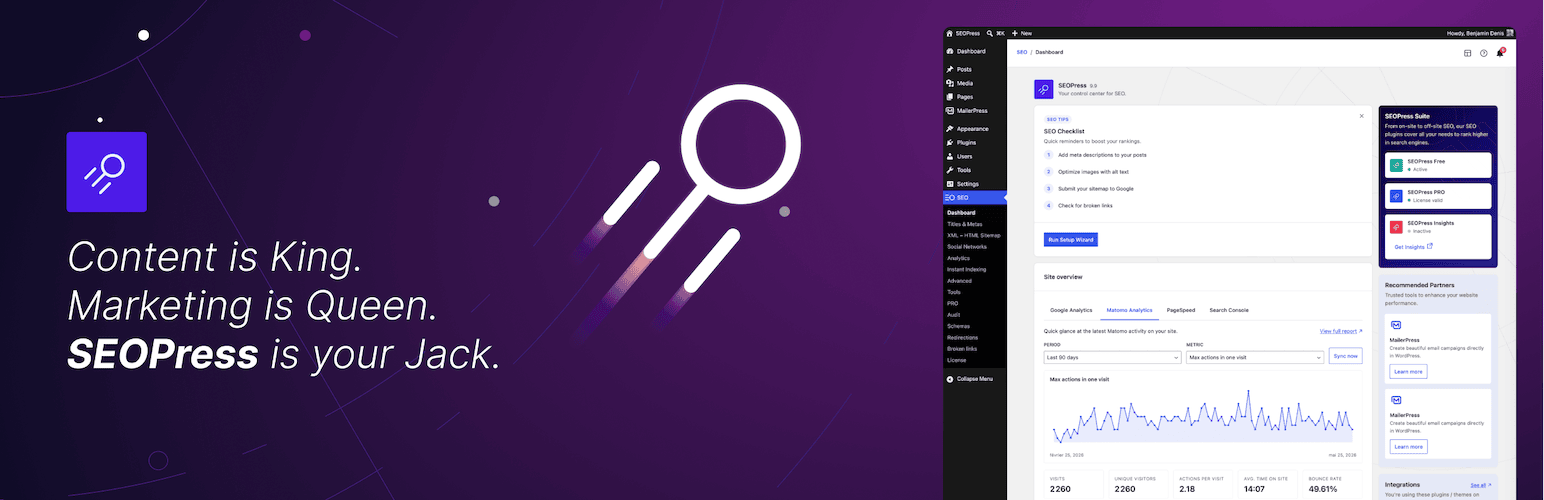
SEOPress is a strong alternative for users who want professional SEO controls without paying a high per-site premium. Its free version works on unlimited sites, while SEOPress PRO starts at a relatively low annual price and includes several features that competitors split across higher tiers or separate extensions.
SEOPress PRO currently includes automatic and manual schema, local SEO, WooCommerce SEO, redirect management, 404 monitoring, Google News and video XML sitemaps, analytics data in the WordPress dashboard, AI integrations, and white-label options. That combination makes it especially attractive for freelancers and agencies.
The interface is more utilitarian than some competitors, which can be a positive if you prefer direct controls. SEOPress also separates its Insights product for rank tracking and backlinks, so users who want a full search-performance suite should account for that extra cost.
Best for: agencies, freelancers, developers, and businesses that want strong technical SEO, white-label controls, and predictable pricing.
Pros:
- Free version can be used on unlimited sites.
- PRO starts at a competitive single-site price.
- White-label functionality is useful for client work.
- Includes WooCommerce SEO, local SEO, schema, redirects, and 404 monitoring.
- Unlimited-site PRO option is attractive for agencies.
- Clean separation between core SEO and optional rank/backlink tracking.
Cons:
- The interface can feel more technical than Yoast or AIOSEO for beginners.
- Keyword rank tracking and backlink monitoring require the separate SEOPress Insights product.
- Some users may prefer a larger third-party tutorial ecosystem.
Pricing: SEOPress Free costs $0. SEOPress PRO starts at $49 per year for one site, with 5-site and unlimited-site plans available. SEOPress Insights is sold separately for rank and backlink tracking.
5. The SEO Framework: best lightweight WordPress SEO plugin

The SEO Framework takes a different approach from feature-heavy SEO suites. It focuses on automating sensible technical SEO defaults while keeping the WordPress interface quiet. There are fewer prompts, scores, upsells, and writing recommendations competing for attention.
The free plugin covers the essential SEO layer, including metadata generation, canonical URLs, indexing controls, XML sitemaps, structured data, and duplicate-content protection. Paid plans unlock extensions and higher API limits rather than turning the core plugin into a completely different product.
That makes The SEO Framework appealing to developers and experienced site owners who already know how they want to handle keyword research, content optimization, and internal linking. It is less useful if you specifically want a plugin to coach writers through SEO checks inside every post.
Best for: developers, performance-conscious site owners, and experienced SEO users who want clean technical defaults without a heavy editorial scoring system.
Pros:
- Lightweight, unobtrusive interface.
- Strong automatic technical SEO defaults.
- Free version covers critical SEO needs without aggressive upsells.
- Premium model is extension-based and supports multiple sites depending on plan.
- Good fit for users who do not need content scores or constant recommendations.
Cons:
- Less hand-holding for beginners and content writers.
- Smaller ecosystem and fewer mainstream tutorials than Rank Math, Yoast, or AIOSEO.
- Users wanting built-in rank tracking, deep audits, or advanced editorial guidance may need other tools.
Pricing: The SEO Framework core plugin is free. The Pro plan costs $7 per month billed annually and covers two sites. Business and Agency plans raise the site and API limits.
Which WordPress SEO plugin should you choose?
For most sites, the decision becomes easier when you choose by workflow rather than by checklist.
- Choose Rank Math if you want the broadest mix of on-page SEO, schema, analytics, rank tracking, redirects, and specialized modules in one ecosystem.
- Choose Yoast SEO if several writers or editors need a consistent content optimization process and clear guidance.
- Choose AIOSEO if you run a small business or WooCommerce site and prefer guided setup with packaged business SEO modules.
- Choose SEOPress if you manage client sites, care about white labeling, or want strong PRO features at a lower annual cost.
- Choose The SEO Framework if you already understand SEO and want WordPress to handle the technical basics quietly.
If you are unsure, start with the free version of the plugin that best matches your workflow. Configure it correctly, run through a WordPress SEO checklist, and upgrade only when a paid feature solves a real problem.
SEO plugin features that matter more than the score
Most WordPress SEO plugins display a content score, color, or checklist. Those tools are useful prompts, but they are not ranking systems. A page can score 100 inside a plugin and still fail because the topic has no demand, the search intent is wrong, the content is weaker than competing pages, or Google cannot crawl the site efficiently.
Focus on the implementation features that prevent technical mistakes and support a repeatable SEO process.
- Indexation controls: you need reliable control over what search engines should and should not index.
- Canonical URLs: important for duplicate or near-duplicate content.
- XML sitemaps: should update automatically and exclude content you intentionally noindex.
- Schema: should describe the page accurately rather than adding every possible structured-data type.
- Redirect management: useful when URLs change, pages merge, or content is removed.
- Internal linking: important for crawl paths, topical structure, and distributing internal authority.
- WooCommerce and local SEO: only worth paying for when your site actually needs those specialized controls.
- Import and migration: essential if you are switching from another SEO plugin and need to preserve metadata.
For larger sites, the plugin should fit into a broader SEO system that includes content strategy, technical audits, Search Console monitoring, internal linking, and ongoing search performance analysis.
Can you switch WordPress SEO plugins safely?
Yes, but do not activate two full SEO plugins at the same time and leave both controlling metadata, schema, sitemaps, or canonicals. That can create duplicate tags or conflicting output.
Before switching, confirm that the new plugin can import the SEO metadata you already use. Export a backup where possible, record important global settings, import the data, then verify titles, descriptions, canonical tags, robots directives, schema, and sitemaps on a sample of pages before removing the old plugin.
Changing the plugin does not improve rankings by itself. Preserve the important SEO data first, then evaluate whether the new workflow helps you execute SEO more consistently.
Conclusion
The best WordPress SEO plugin is the one that gives you enough control without turning routine optimization into extra work. Rank Math is the strongest all-rounder in this group. Yoast SEO remains excellent for editorial teams. AIOSEO is a practical business-focused suite. SEOPress offers unusually strong value for agencies. The SEO Framework is the cleanest choice for users who want a lighter technical layer.
Whichever plugin you choose, configure it once with a clear indexation, sitemap, schema, and metadata strategy. Then spend most of your SEO effort on search intent, useful content, internal linking, technical quality, and authority. The plugin should support that work, not become the work.
Frequently asked questions
What is the best WordPress SEO plugin overall?
Rank Math is the best overall choice in this comparison because it combines strong free features with schema, sitemaps, on-page optimization, analytics, rank tracking, redirects, and specialized SEO modules. The best choice can still differ based on your workflow.
Which WordPress SEO plugin is best for beginners?
Yoast SEO and AIOSEO are both beginner-friendly. Yoast is especially useful for editorial guidance and readability checks, while AIOSEO provides a guided setup and business-focused modules.
What is the best free WordPress SEO plugin?
Rank Math, Yoast SEO, AIOSEO, SEOPress, and The SEO Framework all offer free versions. Rank Math provides one of the broadest free feature sets, while The SEO Framework is attractive if you want a lighter, less intrusive interface.
Is Rank Math better than Yoast SEO?
Rank Math offers more built-in modules and a broader technical feature set, while Yoast SEO is particularly strong for editorial guidance, readability, internal linking workflows, and team-friendly optimization. The better choice depends on what you need from the plugin.
Do WordPress SEO plugins improve rankings automatically?
No. An SEO plugin helps implement metadata, sitemaps, schema, indexation controls, redirects, and content checks. Rankings still depend on search intent, content quality, site architecture, links, crawlability, competition, and other factors.
Can I use two SEO plugins at the same time?
It is generally better to use one primary SEO plugin. Running two plugins that both output titles, canonicals, schema, robots directives, or XML sitemaps can create duplicate or conflicting SEO signals.
Which SEO plugin is best for WooCommerce?
Rank Math, AIOSEO, Yoast, and SEOPress all support WooCommerce SEO in their paid ecosystems. Choose based on the product schema, metadata, breadcrumb, sitemap, and store-specific controls you need, along with the rest of your SEO workflow.
