
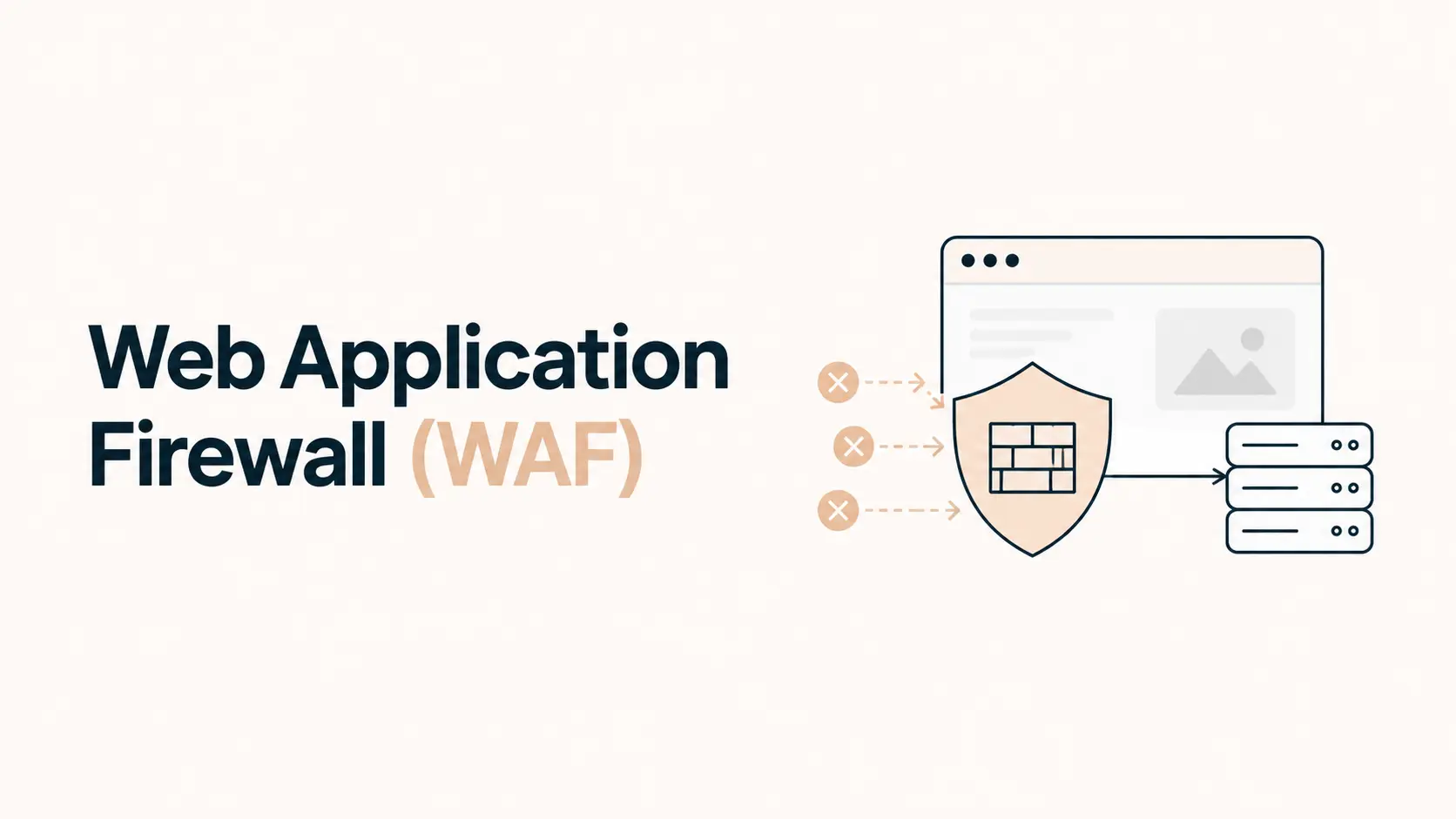


A web application firewall (WAF) sits between visitors and your website or web application, inspecting HTTP and HTTPS requests before they reach the origin server. Its job is to identify suspicious application-layer traffic and block, challenge, rate-limit, or log it based on security rules.
That makes a WAF useful for reducing exposure to attacks such as SQL injection, cross-site scripting (XSS), malicious bots, exploit attempts, and abusive requests. But a WAF is not a replacement for secure code, updates, backups, access controls, or malware monitoring.
For many business websites, especially WordPress, ecommerce, membership, SaaS, and lead-generation sites, a properly configured WAF is a valuable additional security layer. Whether you need one depends on how exposed, dynamic, and business-critical the site is.
TL;DR
- A WAF filters HTTP/S requests before they reach your website or application.
- It can block or challenge common application-layer attacks, malicious bots, exploit attempts, and abusive traffic.
- A WAF does not fix vulnerable plugins, insecure code, stolen credentials, malware already on the server, or weak backups.
- Cloud-based WAFs usually operate as reverse proxies in front of the origin; host-based WAFs run closer to the web server.
- Managed rules are useful, but false positives can block legitimate visitors, APIs, crawlers, forms, or admin actions.
- Sites handling logins, payments, customer data, APIs, ecommerce, or frequent automated abuse benefit most.
- For most serious business websites, a WAF should be one layer in a broader security strategy, not the entire strategy.
What Is a Web Application Firewall?
OWASP defines a web application firewall as an application firewall for HTTP applications. It applies rules to HTTP conversations and is commonly used to protect against attacks such as SQL injection and cross-site scripting.
Unlike a traditional network firewall that focuses mainly on IP addresses, ports, and network connections, a WAF looks at application-layer web traffic. It can inspect properties such as:
- request URLs and paths;
- query strings;
- HTTP methods;
- headers and cookies;
- form submissions;
- request bodies;
- IP reputation or geography;
- request frequency and patterns;
- known attack signatures.
A WAF normally sits in front of the application. Cloud-based WAF services commonly work as reverse proxies: visitors connect to the WAF provider first, the request is inspected, and allowed traffic is forwarded to your origin server.
See the OWASP Web Application Firewall overview for the security model.
What Does a WAF Actually Protect Against?
A WAF is strongest when malicious behavior can be recognized from the HTTP request itself.
| Threat or behavior | Can a WAF help? | Important limitation |
|---|---|---|
| SQL injection attempts | Yes | Secure application code is still required |
| Cross-site scripting payloads | Yes | WAF rules cannot guarantee every XSS variant is stopped |
| Known exploit patterns | Yes | New or application-specific vulnerabilities may bypass generic rules |
| Brute-force/login abuse | Yes, especially with rate limits | MFA and strong credentials are still needed |
| Malicious bots and scanners | Often | Bot detection can produce false positives |
| API abuse | Yes, with rules/rate limits | Business-logic abuse may be harder to distinguish |
| DDoS at the HTTP layer | Can help | Large attacks may also require broader DDoS infrastructure |
| Malware already installed | No | The server still needs malware cleanup |
| Stolen administrator credentials | Limited | MFA, session controls, and account security matter more |
| Vulnerable plugin or application code | Mitigation only | Patch or remove the vulnerable component |
Cloudflare describes a WAF as a Layer 7 defense that filters and monitors web traffic, while also noting that it is not designed to protect against every type of attack.
How Does a WAF Decide What to Block?
Most modern WAFs combine several methods rather than using one simple blacklist.
Managed security rules
Managed rules detect common attack patterns and known vulnerability techniques. Providers update these rules as threats change.
Some WAFs can use the OWASP Core Rule Set or a provider’s own managed rules. These often score or classify requests based on suspicious characteristics.
Custom rules
You can create rules for your own application. For example:
- challenge requests to
/wp-login.phpfrom unusual locations; - block an unused HTTP method;
- allow a webhook endpoint only from known sources;
- restrict sensitive admin paths;
- block abusive user agents or IP ranges;
- apply stricter controls to login or checkout endpoints.
Rate limiting
Rate limits control how frequently a client can access a route.
This is useful for repeated login attempts, API abuse, aggressive scraping, form spam, resource-intensive searches, and password-reset abuse.
Cloudflare’s current WAF documentation describes rate limiting as a way to protect login endpoints and APIs from excessive requests.
Cloud WAF vs Host-Based WAF
The two common approaches solve the same general problem at different points in the request path.
Cloud or edge WAF
A cloud WAF sits in front of your hosting infrastructure.
Advantages include:
- malicious traffic can be blocked before reaching the origin;
- origin server load can be reduced;
- rules can be combined with CDN, DDoS, bot, and rate-limiting services;
- deployment often does not require changing application code.
The main requirement is that traffic must actually pass through the WAF. If attackers can discover and directly access the origin server, some cloud protections may be bypassed. Origin access therefore needs appropriate restriction when possible.
Host-based WAF
A host-based WAF runs on or close to the web server, often through server software or an application/plugin layer.
It can provide detailed application context and may work even without a reverse-proxy service. However, malicious traffic has already reached the hosting environment before it is filtered, and the WAF itself can consume server resources.
For many public business websites, an edge WAF plus secure origin configuration is usually easier to scale.
Does WordPress Need a WAF?
WordPress does not require a WAF to function securely, but a WAF can add meaningful protection.
It is particularly useful because public WordPress sites are routinely scanned for vulnerable plugins and themes, exposed login endpoints, outdated software, API abuse, malicious query strings, automated credential attacks, and known exploit signatures.
A WAF can reduce a large amount of this hostile traffic before WordPress processes it.
But it should complement the controls in our complete WordPress security guide, including updates, MFA, backups, least privilege, secure hosting, and monitoring.
Do not use a WAF as an excuse to keep an actively vulnerable plugin online. Blocking known exploit patterns is mitigation; fixing the vulnerable component is remediation.
What a WAF Cannot Do
This is the most important limitation.
A WAF does not automatically:
- patch WordPress, plugins, themes, frameworks, or custom code;
- stop an attacker who already has valid administrator credentials;
- clean malware or backdoors already on the server;
- protect poorly secured hosting accounts;
- replace tested backups;
- correct broken access-control or business-logic design;
- guarantee that every malicious request will be detected;
- make insecure applications secure.
OWASP’s testing guidance notes that WAFs can be effective for attacks such as SQL injection or XSS but are less effective against some access-control and business-logic issues.
If a site is already compromised, use an incident-response process such as our WordPress hacked recovery guide rather than assuming a newly installed WAF has cleaned the infection.
The False-Positive Problem
A WAF that blocks too aggressively can become a usability problem.
A false positive happens when legitimate traffic matches a security rule and is blocked or challenged.
Examples include unusual form submissions, APIs, webhooks, payment callbacks, crawlers, bots, or WordPress admin actions.
Cloudflare’s current documentation warns that managed rules can produce false positives and false negatives, so review security events and use narrowly scoped exceptions when needed.
Does Your Website Need a WAF?
A WAF becomes more valuable as the website’s exposure and business impact increase.
You should strongly consider one if your site:
- accepts user logins;
- handles ecommerce or payments;
- stores customer or member data;
- exposes APIs or webhooks;
- runs WordPress or another widely scanned CMS;
- receives frequent bot, scraper, or brute-force traffic;
- contains business-critical lead forms;
- has an international or high-traffic audience;
- has previously been attacked;
- would suffer meaningful financial or reputational damage from downtime or compromise.
A small static brochure site with no login, forms, database, or dynamic application layer has less application-level attack surface. A WAF can still provide useful filtering, but it may be a lower priority than basic hosting security, HTTPS, updates, backups, and account protection.
For broader prioritization, see our website security checklist.
How to Deploy a WAF Safely
Do not enable a large ruleset and assume the job is finished.
A practical rollout is:
- Put the WAF in front of all intended public traffic.
- Confirm the origin cannot be trivially bypassed where your architecture allows origin restriction.
- Enable reputable managed rules.
- Add rate limits to sensitive endpoints such as login, password reset, search, or APIs where appropriate.
- Monitor security events for legitimate traffic being blocked.
- Create narrow exceptions instead of disabling entire rulesets.
- Test forms, checkout, login, APIs, webhooks, admin workflows, crawlers, and integrations.
- Keep the application patched even when the WAF appears to block exploit attempts.
- Review rules periodically as the site changes.
If you already use a CDN, check whether it includes WAF capabilities. A CDN and WAF are related but not the same thing; our CDN vs caching guide explains the performance side of edge delivery.
Conclusion
A web application firewall is best viewed as a traffic-control security layer between the Internet and your application.
It can stop or reduce many malicious HTTP requests before they reach your website, which is especially valuable for WordPress, ecommerce, login-based sites, APIs, and other dynamic applications. But its protection is strongest when combined with secure code, rapid patching, MFA, least privilege, backups, monitoring, and incident-response planning.
For most serious business websites, a well-configured WAF is worth considering. The goal is not to block as much traffic as possible. It is to block malicious behavior while allowing legitimate customers, users, integrations, and search engines to work normally.
Frequently Asked Questions
Is a WAF the same as a firewall?
No. A traditional firewall commonly controls network traffic using properties such as IP addresses, ports, and protocols. A WAF focuses specifically on HTTP/S application traffic and can inspect web requests for application-layer attacks.
Is a WAF the same as a CDN?
No. A CDN primarily improves content delivery and reduces latency by serving content from distributed infrastructure. Some CDN providers also include WAF features, so the services are often bundled but remain different functions.
Does a WAF stop hackers?
A WAF can block many malicious requests and automated attacks, but it cannot stop every attack. Stolen credentials, vulnerable internal logic, compromised hosting accounts, malware already installed, and some access-control issues require other defenses.
Can a WAF protect WordPress plugins with vulnerabilities?
It may temporarily block known exploit patterns, which can reduce exposure, but the vulnerable plugin should still be updated, replaced, disabled, or removed. A WAF is not a substitute for patching.
Can a WAF block legitimate users?
Yes. False positives are possible, especially with strict managed rules, APIs, forms, bots, or unusual request payloads. Monitor security events and create narrowly scoped exceptions when legitimate traffic is affected.
Do small business websites need a WAF?
It depends on the site’s attack surface and importance. Dynamic sites with logins, forms, ecommerce, APIs, WordPress, or customer data benefit more. Very simple static sites may have more urgent security priorities first.
Is a free WAF enough?
A basic WAF can still block useful categories of malicious traffic. The important questions are which protections, managed rules, custom rules, rate limits, logs, and support are included, and whether the configuration fits your site’s actual risk.
